1
FASOPC Server – User’s Manual
FANUC FA America
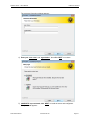
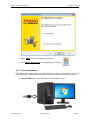
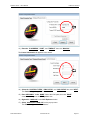
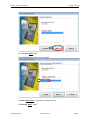
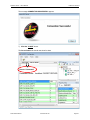
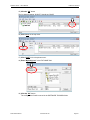
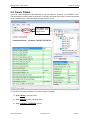
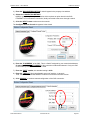
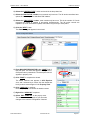
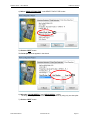
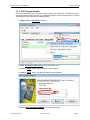
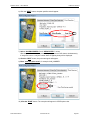
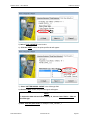
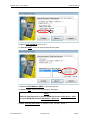
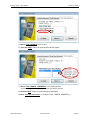
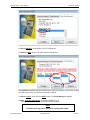
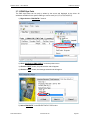
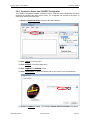
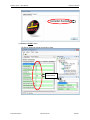
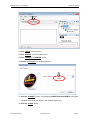
6) Click the “NEXT” button, the point specifics tab will appear.
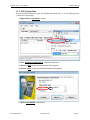
7) Click the “NEXT” button, the point naming tab will appear.
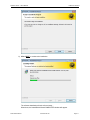
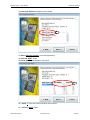
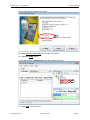
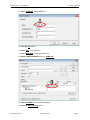
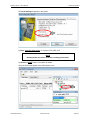
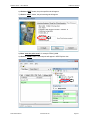
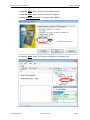
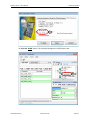
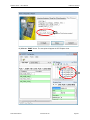
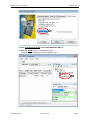
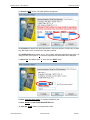
8) Enter “enter the point name”, for example: CNC_SERIES.
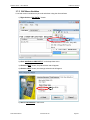
9) Click the “DONE” button. The new point will appear in OPC Explorer view.
D74C-0405-PB01/01
www.fanucfa.com
Page 50