1
Task Management
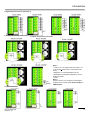
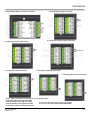
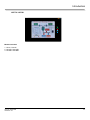
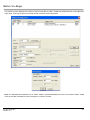
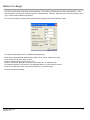
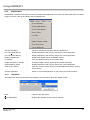
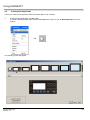
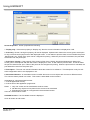
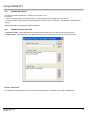
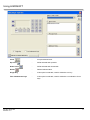
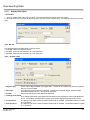
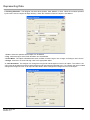
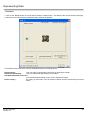
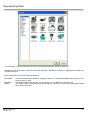
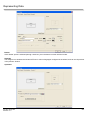
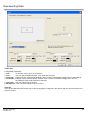
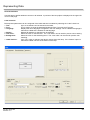
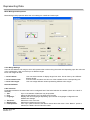
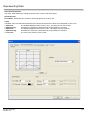
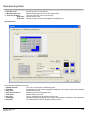
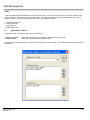
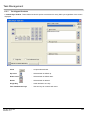
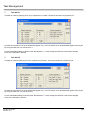
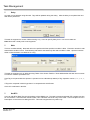
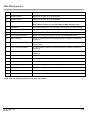
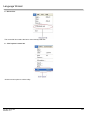
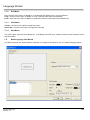
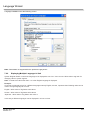
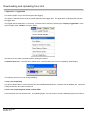
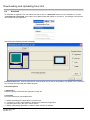
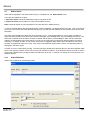
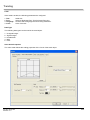
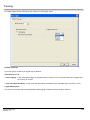
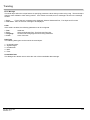
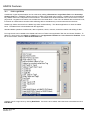
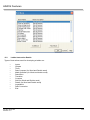
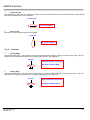
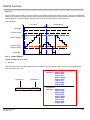
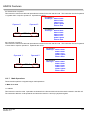
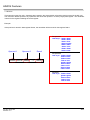
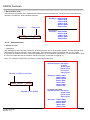
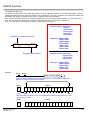
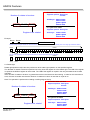
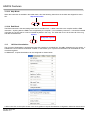
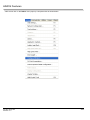
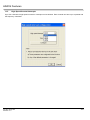
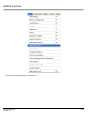
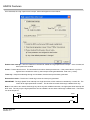
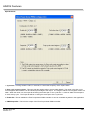
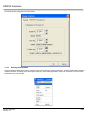
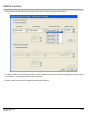
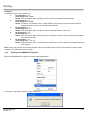
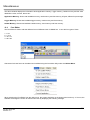
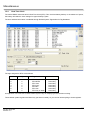
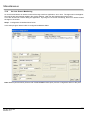
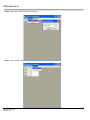
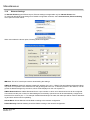
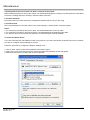
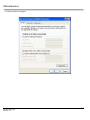
To add this task, select a screen from the list and press ‘Ok’. When this task is executed, control jumps to the selected
screen.
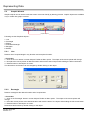
•
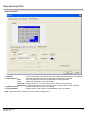
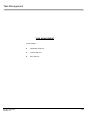
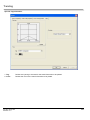
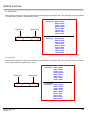
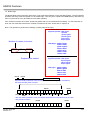
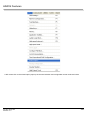
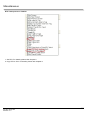
Goto Next Screen
•
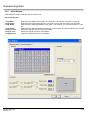
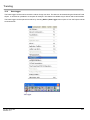
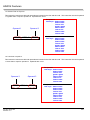
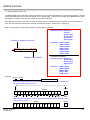
Goto Previous Screen
•
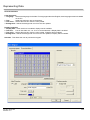
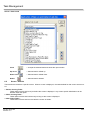
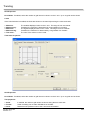
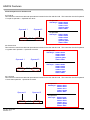
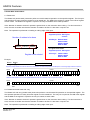
Write Value To Tag
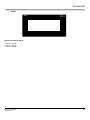
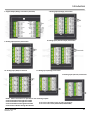
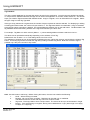
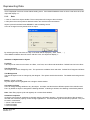
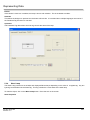
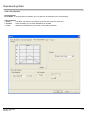
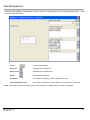
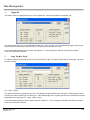
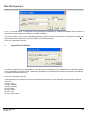
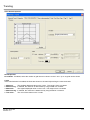
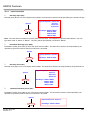
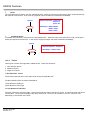
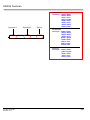
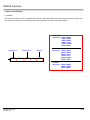
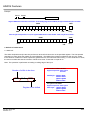
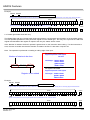
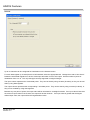
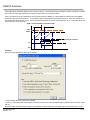
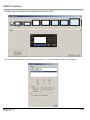
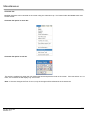
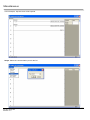
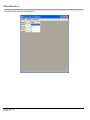
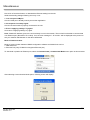
When this task is executed, control jumps to next available screen. If user defines this task on the last screen, then
after execution of this task “Screen not defined “ message appears for 2 seconds and control comes back to last screen
displayed.
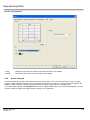
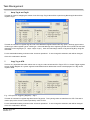
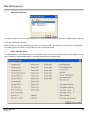
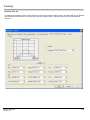
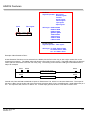
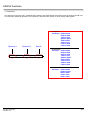
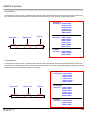
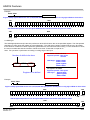
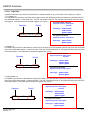
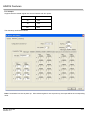
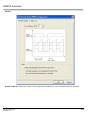
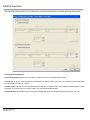
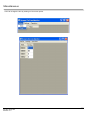
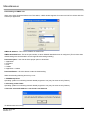
When this task is executed, control jumps to previous available screen. If user defines this task on the first screen, then
after execution of this task “Screen not defined “ message appears for 2 seconds and control comes back to last screen
displayed.
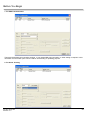
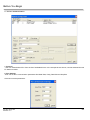
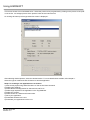
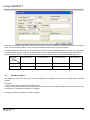
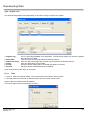
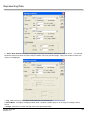
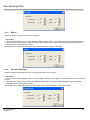
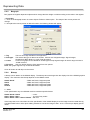
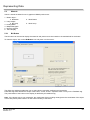
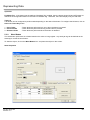
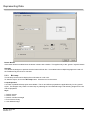
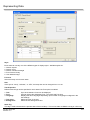
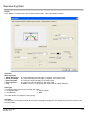
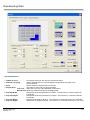
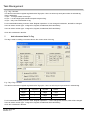
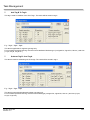
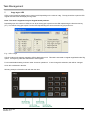
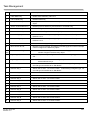
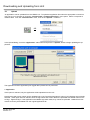
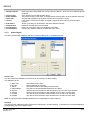
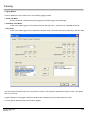
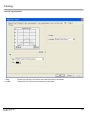
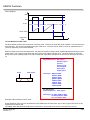
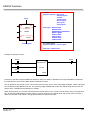
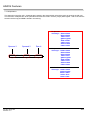
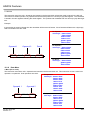
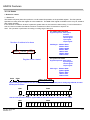
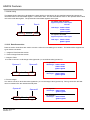
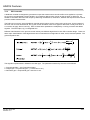
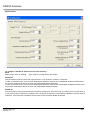
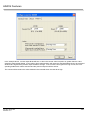
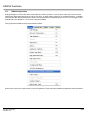
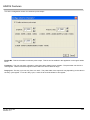
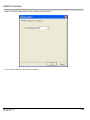
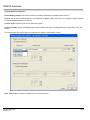
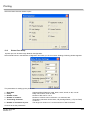
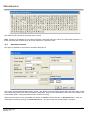
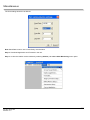
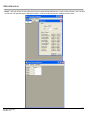
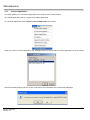
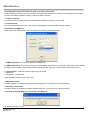
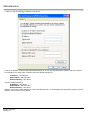
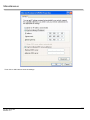
A constant value can be written to a tag using this task, provided the tag is not a read-only tag.
Doc No: 30727306
Revision: 2.0
129