1
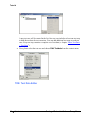
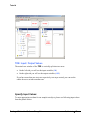
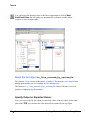
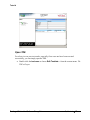
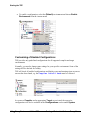
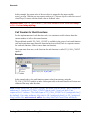
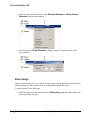
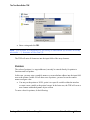
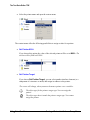
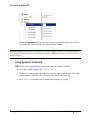
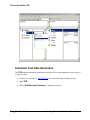
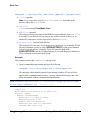
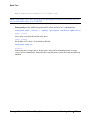
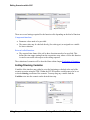
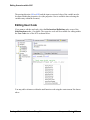
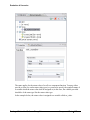
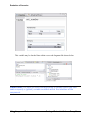
Usercode in the same module. Compile Usercode Before closing UCE and also in between changes to the Usercode, you should make sure, that the Usercode is syntactically correct by using the Compile button in the toolbar. Results can be seen within the message window of Tessy. Delete Usercode You can delete the Usercode in the current editor pane by choosing Select all in the Edit menu or by pressing [Ctrl]+[A]and pressing the [Del] key afterwards. If you want to delete the whole usercode of a test object, choose Delete all Usercode in the Edit menu. If you have deleted all Usercode by mistake close UCE without saving to cancel all modifications. Enter Script Commands The Usercode supports the native scripting language of certain emulators for use in prolog and epilog sections. Depending on your Target Settings for the module (refer to Module Properties) an additional tab within the Usercode editor will be inserted, e.g. HiScript for use with HiTOP emulators. Testing of Embedded Software Tessy 2.9 Edit Test Cases 211