1
Language Setting
To switch the language used for the control interface, press the [Menu] button BEFORE
turning on the machine and HOLD it until the LCD screen flashes twice. After the two
flashes, press [Menu] to choose the language: English and 中文 (Chinese).
Operation
Control Panel Operation
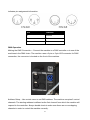
The machine can be operated with the onboard digital control interface.
Antari
F-5D
Ready to Faze
Button
Function
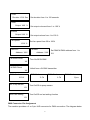
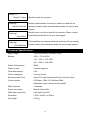
[MENU]
Scroll through setting menu
[UP]/[TIMER]
Up/Activate Timer fucntion
[DOWN]/[VOLUME] Down/Activate Volume function
[STOP]
Deactivate Timer/Volume function
Or to select and memorize the setting.
Hold 3 seconds to start self-cleaning process
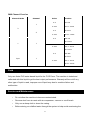
Control Menu
Timer
Interval XXX Sec
Set interval from 1 to 300 seconds
6