1
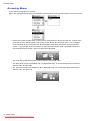
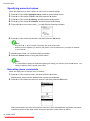
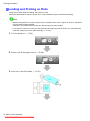
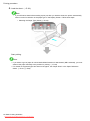
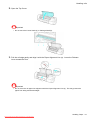
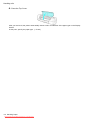
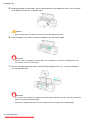
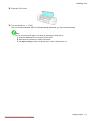
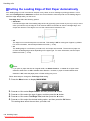
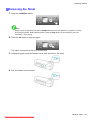
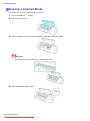
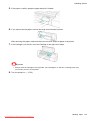
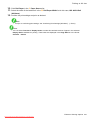
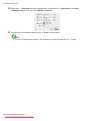
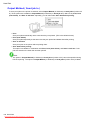
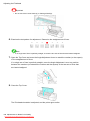
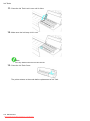
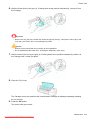
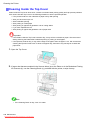
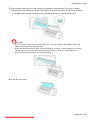
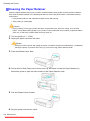
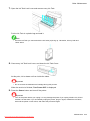
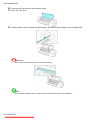
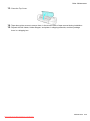
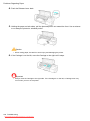
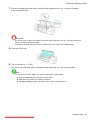
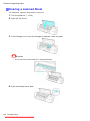
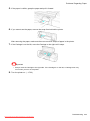
Problems Regarding Paper 7. Pull the roll edge gently and align it with the Paper Alignment Line (a). Lower the Release Lever toward the front. Important • Do not force the roll paper into alignment with the Paper Alignment Line (a). This may prevent the paper from being advanced straight. • The amount of paper pulled from the roll corresponds to the margin of the leading edge. 8. Close the Top Cover. 9. Turn the printer on. (→P.22) The roll is now advanced. After it is nished being advanced, you can resume printing. Note • You can ensure that the edge is cut neatly by following the steps below. 1. Press the Online button to bring the printer ofine. 2. Hold down the ▼ button to advance the paper. 3. Set Paper Cutting to Yes in the printer menu, and the edge will be cut. Troubleshooting 551 Downloaded from ManualsPrinter.com Manuals