1
Printing enlargements or reductions
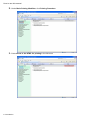
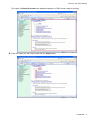
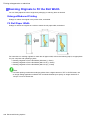
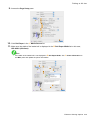
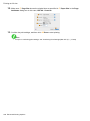
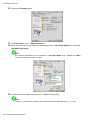
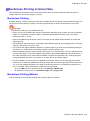
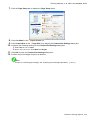
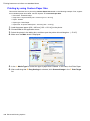
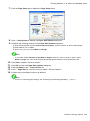
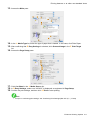
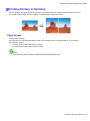
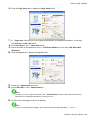
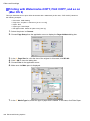
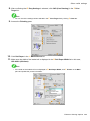
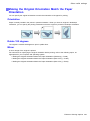
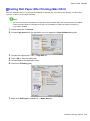
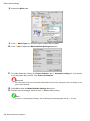
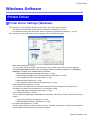
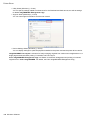
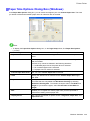
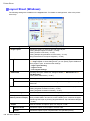
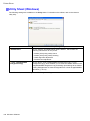
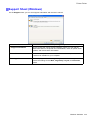
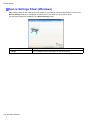
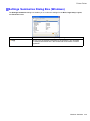
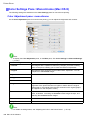
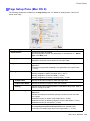
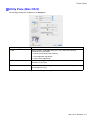
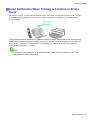
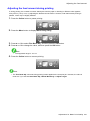
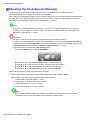
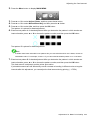
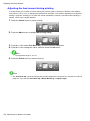
Resizing Originals to Fit the Roll Width
You can freely adjust the size of originals by enlarging or reducing them as desired.
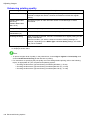
Enlarged/Reduced Printing
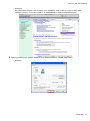
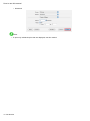
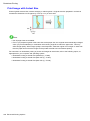
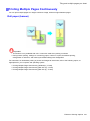
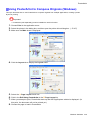
Enlarge or reduce the original in the printer driver, as desired.
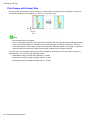
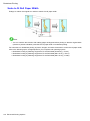
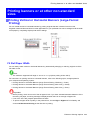
Fit Roll Paper Width
Enlarge or reduce the original as a whole to match the roll paper width, as desired.
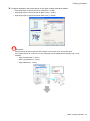
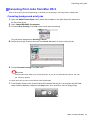
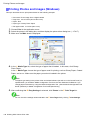
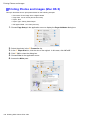
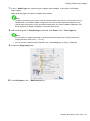
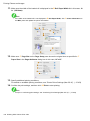
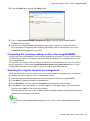
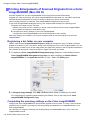
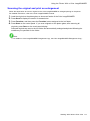
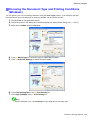
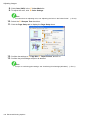
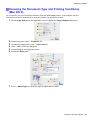
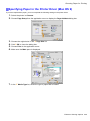
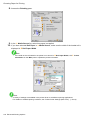
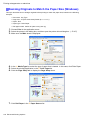
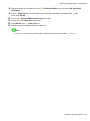
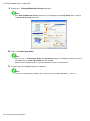
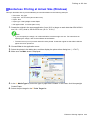
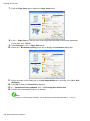
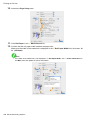
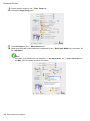
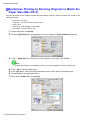
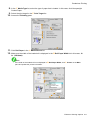
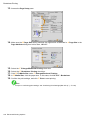
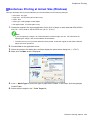
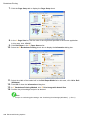
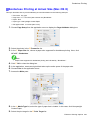
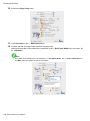
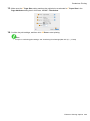
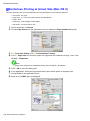
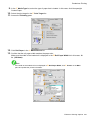
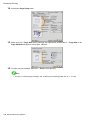
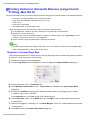
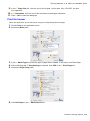
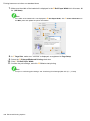
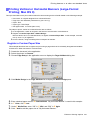
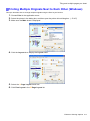
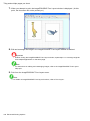
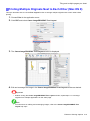
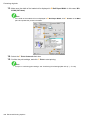
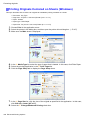
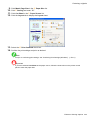
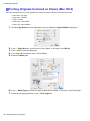
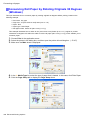
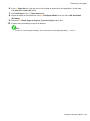
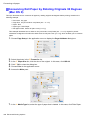
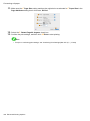
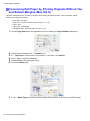
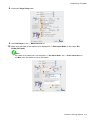
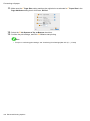
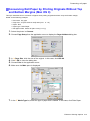
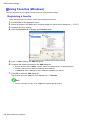
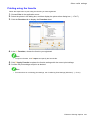
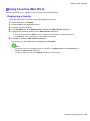
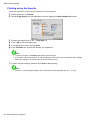
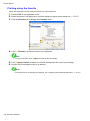
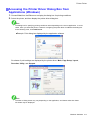
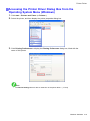
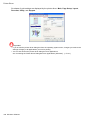
For instructions on resizing originals to match the roll paper width, refer to the following topics, as appropriate
for your computer and operating system.
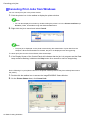
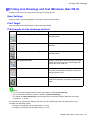
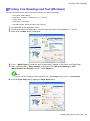
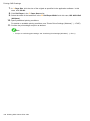
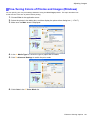
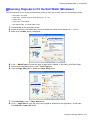
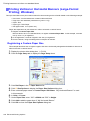
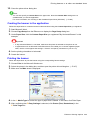
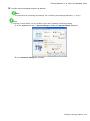
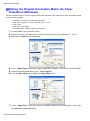
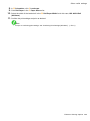
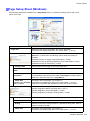
• Resizing Originals to Fit the Roll Width (Windows) (→P.221)
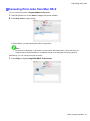
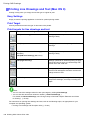
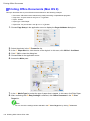
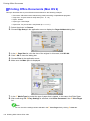
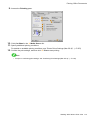
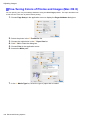
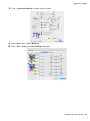
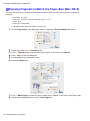
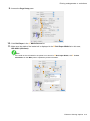
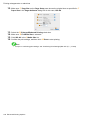
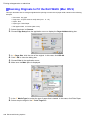
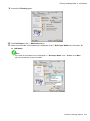
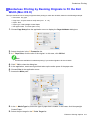
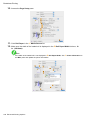
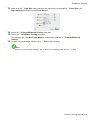
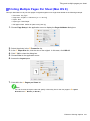
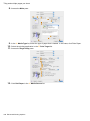
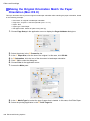
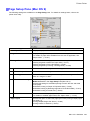
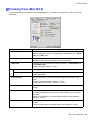
• Resizing Originals to Fit the Roll Width (Mac OS X) (→P.223)
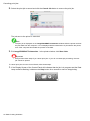
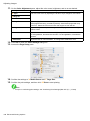
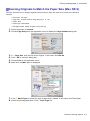
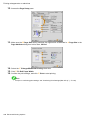
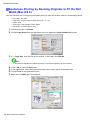
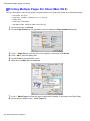
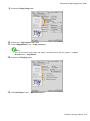
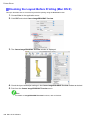
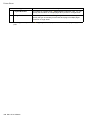
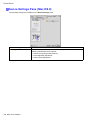
• Resizing Originals to Fit the Roll Width (Mac OS 9) (→P.226)
Note
• For better printing results when enlarging photos from a digital camera in TIFF or JPEG format, use
an image-editing application software such as Adobe Photoshop to specify an image resolution of
150 dpi or more at actual size.
220 Enhanced Printing Options