1
TEW-810DR
TRENDnet User’s Guide
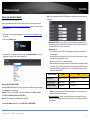
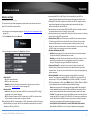
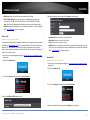
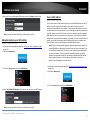
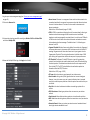
4. Review the settings under LAN Client Filter Rules section. Click Apply to save settings.
IP blocking
Advanced > Security > Access Control
You may want to block certain IP addresses or a range of IP address access to your
network.
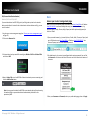
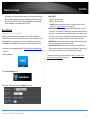
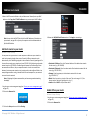
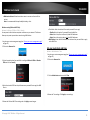
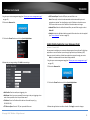
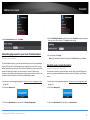
1. Log into your router management page (see “Access your router management page”
on page 15).
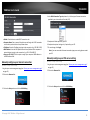
2. Click on the Advanced tab.
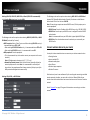
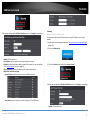
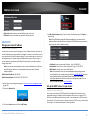
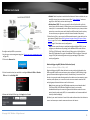
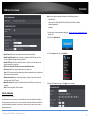
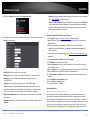
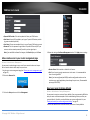
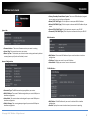
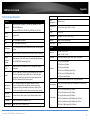
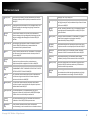
• Enable: Click to enable rule.
• Policy Name: Enter the name of the rule you would like to assign.
• Schedule: Select the defined schedule you would like to have the rule to be applied
(see “Create Schedule” section on page 34).
• Client IP Address: Enter the IP addresses or IP range to apply the rule.
• Rule Define: Select the rule type.
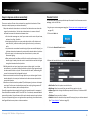
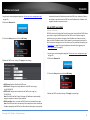
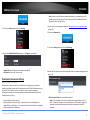
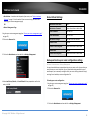
3. Click on the Security section and click on Access Control.
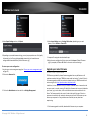
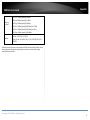
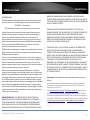
o Special Services: Select this option to select predefined services.
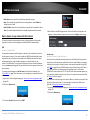
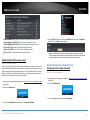
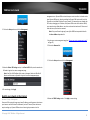
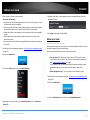
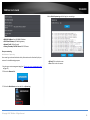
4. Review the settings under LAN Client Filter Rules section. Click Apply to save settings.
o User Define: Select this option to manually assign the TCP and UDP ports
• Enable: Click to enable rule.
© Copyright 2013 TRENDnet. All Rights Reserved.
21