1
Cooper Bussmann 245U-E Wireless Ethernet Modem & Device Server User Manual
Appendix A - FIRMWARE UPGRADE
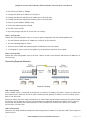
Determine the firmware version present in the module to be upgraded by viewing the index webpage of the module.
Firmware versions 1.0.3 and later may be upgraded via the Configuration webpages. This upgrade can be executed
locally with a PC connected directly to the module, or remotely over a working radio link. For remote upgrades,
it is advisable to reduce radio traffic over the link from other devices as much as possible. If necessary, create a
temporary separate radio network to perform the upgrade to remote modules.
Web-based Upgrade
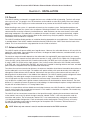
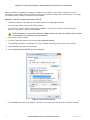
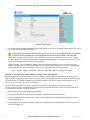
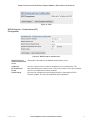
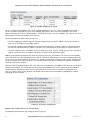
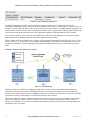
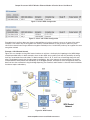
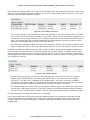
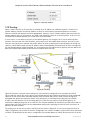
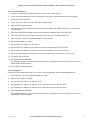
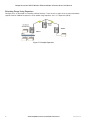
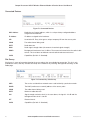
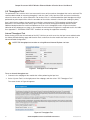
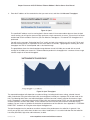
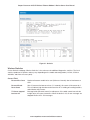
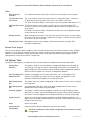
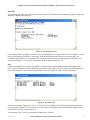
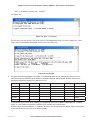
Web-based firmware upgrades are available from the System tools page by selecting “Firmware Upgrade.” A
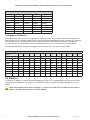
firmware upgrade is performed by uploading a “patch” file that is specific to the currently installed firmware version.
If the device firmware version has fallen multiple versions behind the desired version, it may be necessary to upload
multiple patch files. After the patch files are uploaded, reset the module to perform the firmware upgrade. You will
receive more detailed instructions if it is necessary to upgrade the module firmware.
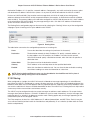
Figure 100 Firmware Upgrade
Rev Version 2.20
www.cooperbussmann.com/wirelessresources
99