1
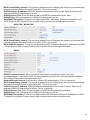
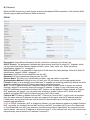
MAC Filter
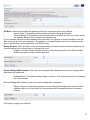
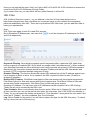
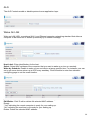
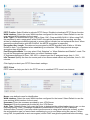
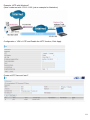
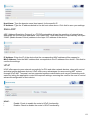
Select SSID: select the SSID you want this filter applies to.
MAC Restrict Mode:
i
Disable: disable the MAC Filter function.
i
Allow: allow the hosts with the following listed MACs to access the wireless network.
i
Deny: deny the hosts with the following listed MACs to access the wireless network.
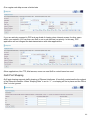
Click Add to add the MACs.
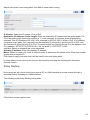
MAC Address: enter the MAC address(es). The format of MAC address could be: xx:xx:xx:xx:xx:xx or
xx-xx-xx-xx-xx-xx.
Click Apply to apply your settings and the item will be listed below.
If you don’t need a rule, check the remove checkbox and press Remove to delete it.
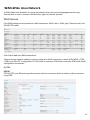
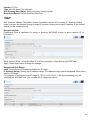
Wireless Bridge
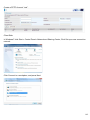
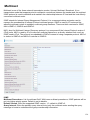
WDS (wireless distributed system) is a wireless access point mode that enables wireless link and
communication with other access points. It’s easy to install, simply define the peer’s MAC address of
the connected AP. WDS takes advantage of cost saving and flexibility with no extra wireless client
device required to bridge between two access points and extending an existing wired or wireless
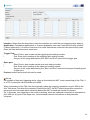
infrastructure network to create a larger network. Here you can select what role the AP server has, AP
or wireless bridge (WDS).
44