1
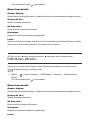
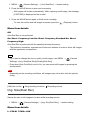
How to select how the time code is recorded (TC Make)
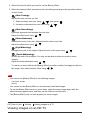
1. MENU →
(Setup) → [TC/UB Settings] → [TC Make], then press
of the control wheel.
in the center
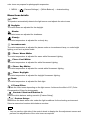
Preset:
Records the newly set time code on the recording medium.
Regenerate:
Reads the last time code for the previous recording from the recording medium and records
the new time code consecutively from the last time code. The time code advances in [Rec
Run] mode regardless of the [TC Run] setting.
[184] How to Use
Changing settings
Setup menu
HDMI Resolution
When you connect the product to a High Definition (HD) TV with HDMI terminals using an
HDMI cable (sold separately), you can select HDMI Resolution to output images to the TV.
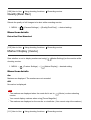
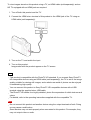
1. MENU →
(Setup) → [HDMI Settings] → [HDMI Resolution] → desired setting.
Menu item details
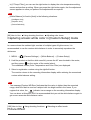
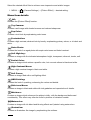
Auto:
The product automatically recognizes an HD TV and sets the output resolution.
2160p/1080p:
Outputs signals in 2160p/1080p.
1080p:
Outputs signals in HD picture quality (1080p).
1080i:
Outputs signals in HD picture quality (1080i).
Note
If the images are not displayed properly using the [Auto] setting, select either [1080i],
[1080p] or [2160p/1080p], based on which TV is to be connected.
[185] How to Use
Changing settings
Setup menu
24p/60p Output (movie) (Only for 1080 60i compatible