1
Bartels User Language
Programmer's Guide
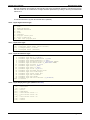
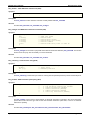
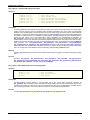
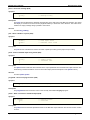
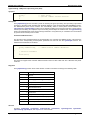
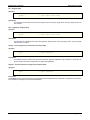
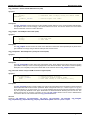
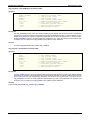
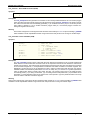
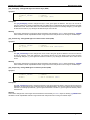
bae_popmouse - Get BAE popup/toolbar mouse position (STD)
Synopsis
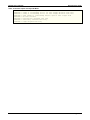
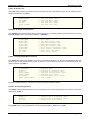
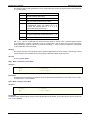
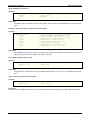
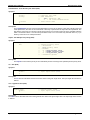
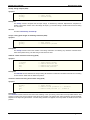
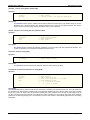
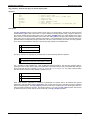
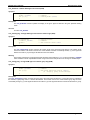
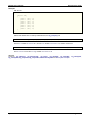
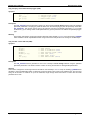
void bae_popmouse(
& double;
& double;
& int;
// Returns mouse X coordinate/column
// Returns mouse Y coordinate/row
// Returns mouse state:
//
Bit 1 : Left mouse button pressed
//
Bit 2 : Right mouse button pressed
//
Bit 3 : Middle mouse button pressed
);
Description
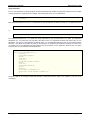
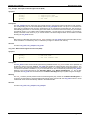
The bae_wsmouse function retrieves the current mouse coordinates (column and row) with the popup and/or
toolbar area. The mouse state return parameter can be used to designate which mouse buttons are currently
pressed.
See also
Function bae_wsmouse.
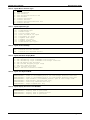
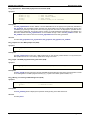
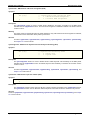
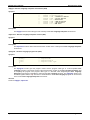
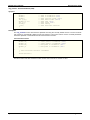
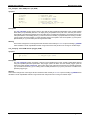
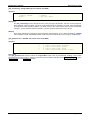
bae_poprestore - Restore BAE popup menu area (STD)
Synopsis
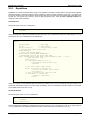
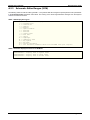
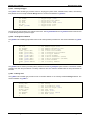
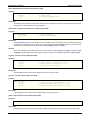
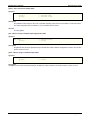
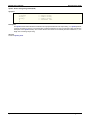
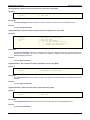
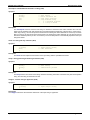
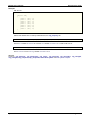
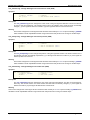
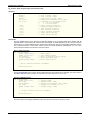
void bae_poprestore(
);
Description
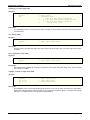
The bae_poprestore function releases and restores the popup graphic work area previously defined with
bae_popshow.
See also
Function bae_popshow.
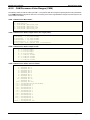
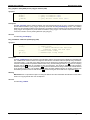
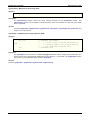
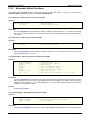
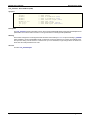
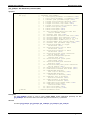
bae_popsetarea - Clear BAE toolbar popup area (STD)
Synopsis
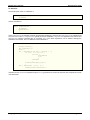
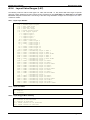
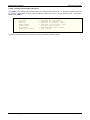
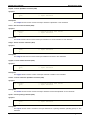
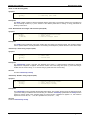
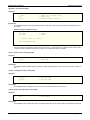
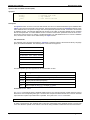
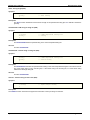
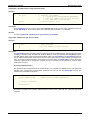
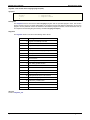
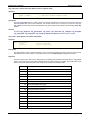
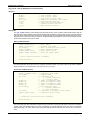
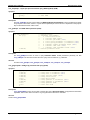
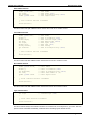
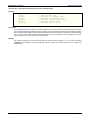
void bae_popsetarea(
int
// Popup area code:
//
0 = Popup menu area
//
1 = Toolbar area
//
2..31 = Dialog bitmap area
);
Description
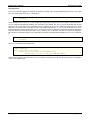
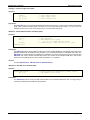
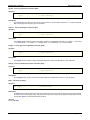
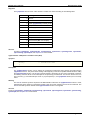
The bae_popsetarea function activates the toolbar area (popup area code 1), the standard popup menu area
(popup area code 2) or a dialog bitmap area (popup area code and/or popup bitmap number 2 through 31) for
subsequent popup operations such as bae_popareachoice, bae_popcliparea, bae_popdrawpoly or
bae_popdrawtext. The standard popup menu area is defined and/or displayed with the bae_popshow function.
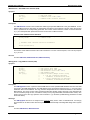
The toolbar popup menu area is defined and/or displayed with the bae_settbsize function. On default, the
standard popup menu area is selected for popup operations.
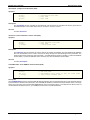
See also
Functions bae_dialbmpalloc, bae_popareachoice, bae_popcliparea, bae_popdrawpoly, bae_popdrawtext,
bae_popshow, bae_settbsize.
System Functions
Page C-74