1
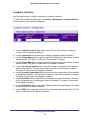
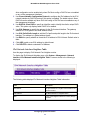
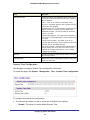
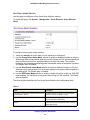
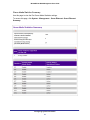
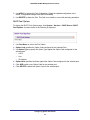
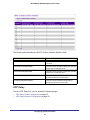
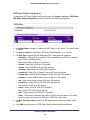
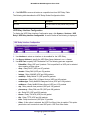
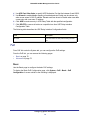
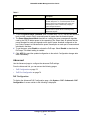
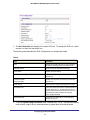
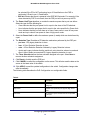
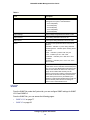
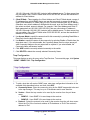
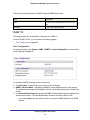
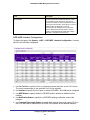
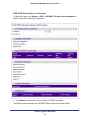
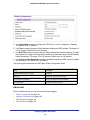
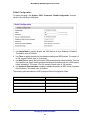
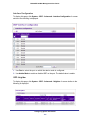
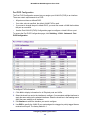
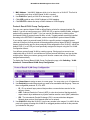
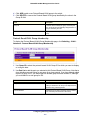
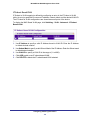
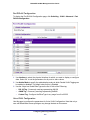
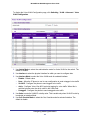
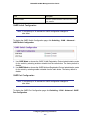
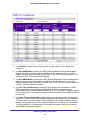
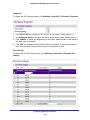
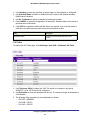
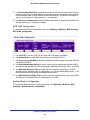
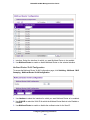
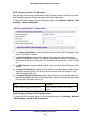
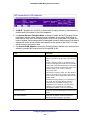
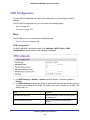
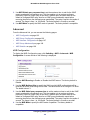
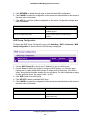
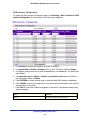
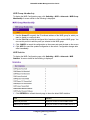
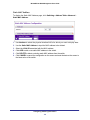
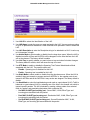
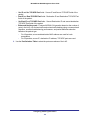
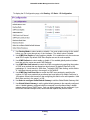
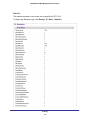
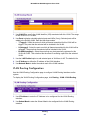
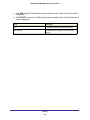
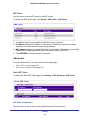
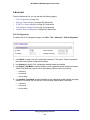
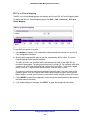
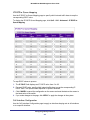
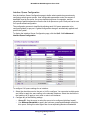
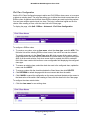
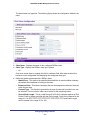
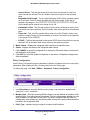
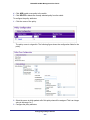
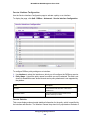
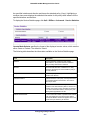
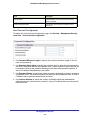
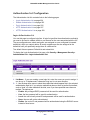
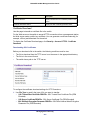
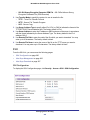
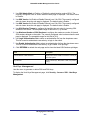
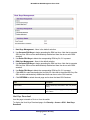
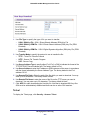
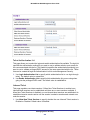
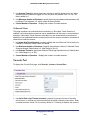
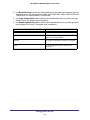
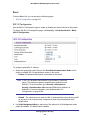
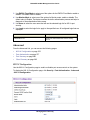
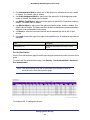
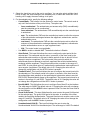
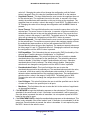
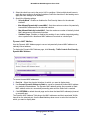
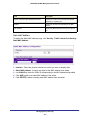
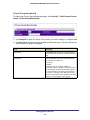
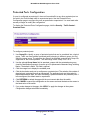
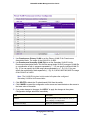
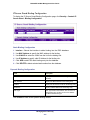
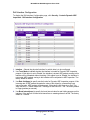
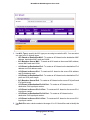
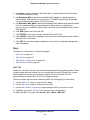
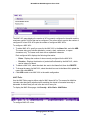
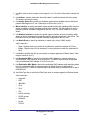
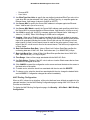
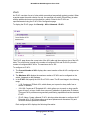
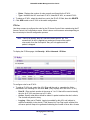
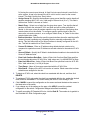
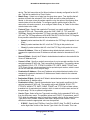
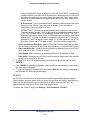
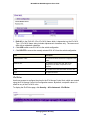
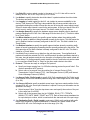
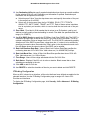
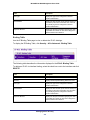
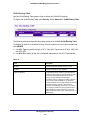
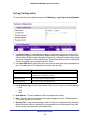
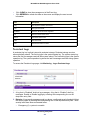
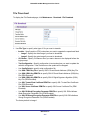
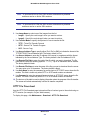
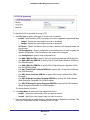
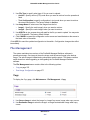
M4100/M7100 Web Management User Guide Static MAC Address To display the Static MAC Address page, click Switching > Address Table> Advanced Static MAC Address. 1. Use Interface to select the physical interface/LAGs for which you want to display data. 2. Use the Static MAC Address to input the MAC address to be deleted. 3. Select the VLAN ID associated with the MAC address. 4. Click ADD to add a new static MAC address to the switch. 5. Click DELETE to delete a existing static MAC address from the switch. 6. Click CANCEL to cancel the configuration on the screen and reset the data on the screen to the latest value of the switch. Configuring Switching Information 175