1
M4100/M7100 Web Management User Guide
•
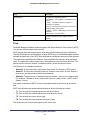
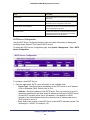
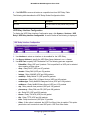
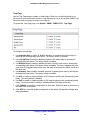
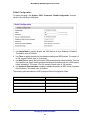
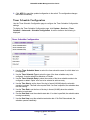
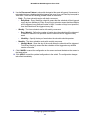
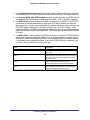
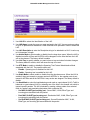
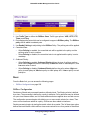
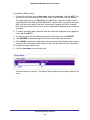
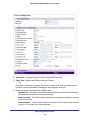
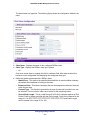
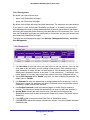
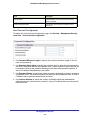
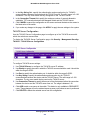
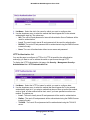
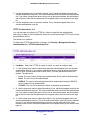
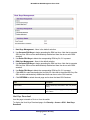
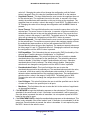
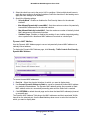
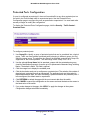
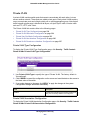
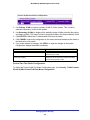
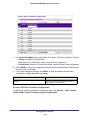
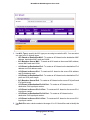
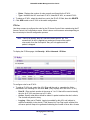
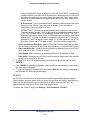
If you select MD5 or SHA, the user login password will be used as the SNMPv3
authentication password, and you must therefore specify a password, and it must be
eight characters long.
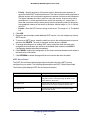
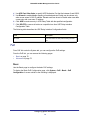
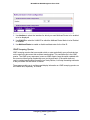
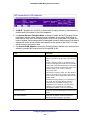
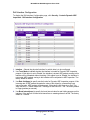
4. Use Encryption Protocol to specify the SNMPv3 Encryption Protocol setting for the
selected user account. The valid Encryption Protocols are None or DES:
• If you select the DES Protocol you must enter a key in the Encryption Key field.
•
If None is specified for the Protocol, the Encryption Key is ignored.
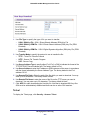
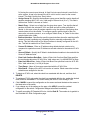
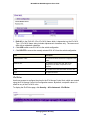
5. Encryption Key - If you selected DES in the Encryption Protocol field enter the SNMPv3
Encryption Key here, otherwise, this field is ignored. Valid keys are 0 to 15 characters long.
The APPLY checkbox must be checked in order to change the Encryption Protocol and
Encryption Key.
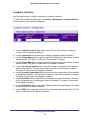
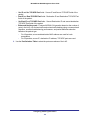
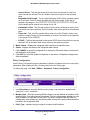
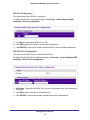
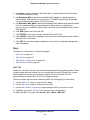
6. Click CANCEL to cancel the configuration on the screen. Resets the data on the screen to
the latest value of the switch.
7. Click APPLY to send the updated configuration to the switch. Configuration changes take
effect immediately.
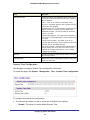
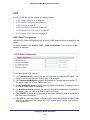
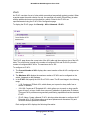
LLDP
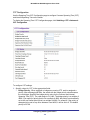
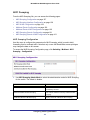
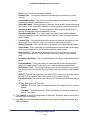
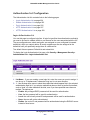
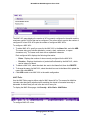
The IEEE 802.1AB-defined standard, Link Layer Discovery Protocol (LLDP), allows stations
on an 802 LAN to advertise major capabilities and physical descriptions. This information is
viewed by a network manager to identify system topology and detect bad configurations on
the LAN.
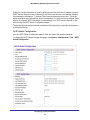
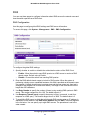
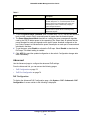
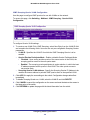
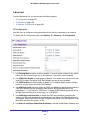
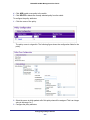
From the LLDP link, you can access the following pages:
•
LLDP on page 84
•
LLDP-MED on page 91
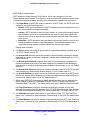
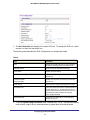
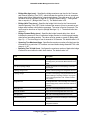
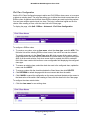
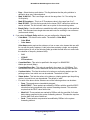
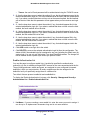
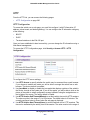
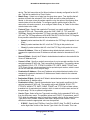
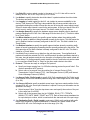
LLDP is a one-way protocol; there are no request/response sequences. Information is
advertised by stations implementing the transmit function, and is received and processed by
stations implementing the receive function. The transmit and receive functions can be
enabled/disabled separately per port. By default, both transmit and receive are disabled on
all ports. The application is responsible for starting each transmit and receive state machine
appropriately, based on the configured status and operational state of the port.
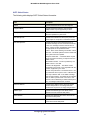
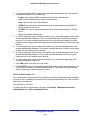
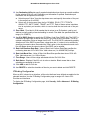
The Link Layer Discovery Protocol-Media Endpoint Discovery (LLDP-MED) is an
enhancement to LLDP with the following features:
•
Auto-discovery of LAN policies (such as VLAN, Layer 2 Priority, and DiffServ settings),
enabling plug and play networking.
•
Device location discovery for creation of location databases.
•
Extended and automated power management of Power over Ethernet endpoints.
•
Inventory management, enabling network administrators to track their network devices
and determine their characteristics (manufacturer, software and hardware versions,
serial/asset number).
Configuring System Information
83