1
Mobile DVR Installation Instruction Guide
75 degrees
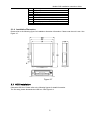
2.6 Mobile DVR PTZ Installation and Connection
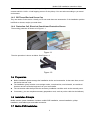
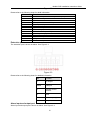
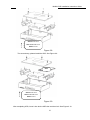
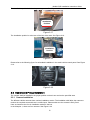
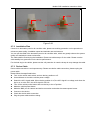
Please refer to the following figure for detailed information. See Figure 2-24.
Figure 2-24
Note: Before PTZ installation, please check the position installation intensity.
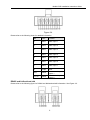
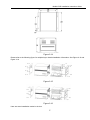
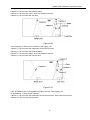
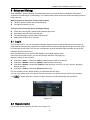
Mobile DVR PTZ connection layout is shown as in Figure 2-25.
Figure 2-25
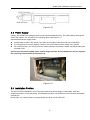
2.7 Cable Layout
2.7.1 Installation Step
Please follow the steps listed below.
z Confirm the device installation position. Please take the waterproof and vibration factor into
consideration. Please note the position shall be easy to lay out cable and the cable shall not obstacle
the driver’s view.
z Please check if it is suitable to lay the hidden cable once the vehicle decoration panel is removable.
The cable is usually under the decoration panel or the air condition tube. You still need to fix the cable
if the cable can not be hidden, otherwise the cable may adversely affect the DVR operation or disturb
the driver normal operation.
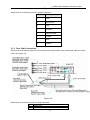
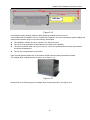
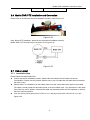
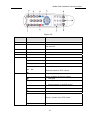
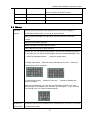
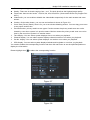
z Joint: the device power input joint is DJ7031-6.3-11 and power input joint is DJ7031-6.3-21. See
Figure 2-26
21