1
•
Press
•
The
•
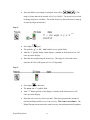
After “1” flashes on the screen, a number in the format xxx.xx will come up on
once.
symbol will flash.
the display.
•
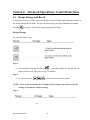
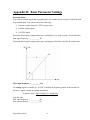
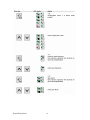
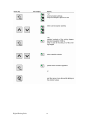
Enter the additive percentage by using the Arrow Keys
. The
range of values that can be entered is 0.01 to 50.00%. The arrow keys are used
to change all process variables. The double arrow key allows the user to ramp up
or down at a faster rate.
Step 2:
or
•
Press
again.
•
The symbols “g,” or “lb”, “min”, and
•
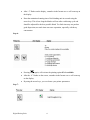
After “2” flashes quickly on the display, a number in the format xxx.xx will come up on
flash.
the display.
•
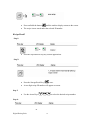
Enter the total extruder throughput in grams per minute or pounds per minute. The
range of values that can be entered is 001.0 to 6500 grams per minute (00.01 to 14.30
lb/m).
Step 3:
or
Digital Dosing Units
20