1
Chapter 9 Graphs, Probes and Data Analysis
Resizing
You can alter the maximum height of the box by placing the mouse cursor on it's
bottom edge and dragging. The text in the box will automatically reposition to comply
with the new maximum height.
Editing Properties
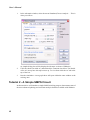
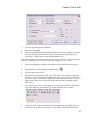
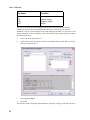
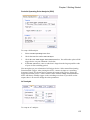
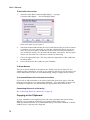
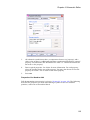
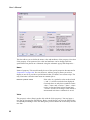
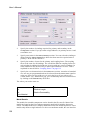
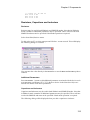
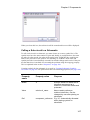
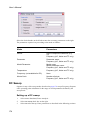
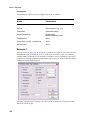
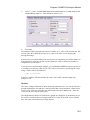
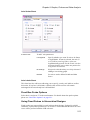
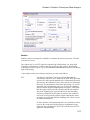
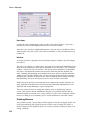
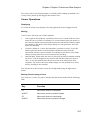
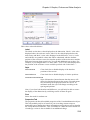
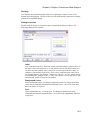
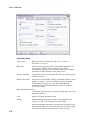
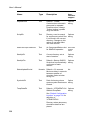
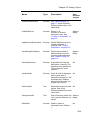
Double click on the box or select then menu Annotate|Edit Selected Object. The
following dialog will be opened:
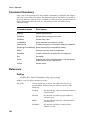
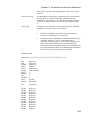
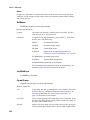
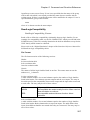
Label
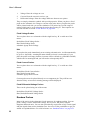
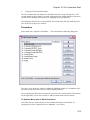
Lists each label in the box. These are usually %DefaultLabel% which resolves to
the name of the referenced curve. To edit, double click on the desired item.You
can also enter the symbols %X1% and %Y1% which represent the x and y coordinates of the marker respectively. These can be combined with other text in
any suitable manner. For example: ‘Voltage @ %X1%S = %Y1%’ might resolve
to something like ‘Voltage at 10u = 2.345’. The values of %X1% and %Y1% will
automatically update if you move the marker.
Background Colour
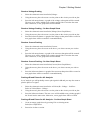
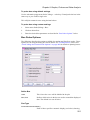
Select button Edit Colour... to change background colour. To change the default
colour select command shell menu File|Options|Colour... then select item Text
Box. Edit colour as required.
Font
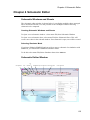
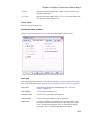
Select button Edit Font... to change font. To change the default font select
command shell menu File|Options|Font... then select item Legend Box. Edit font
as required.
251