1
Appendix C TCP/IP Settings in Windows
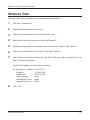
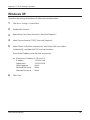
Windows XP
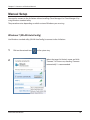
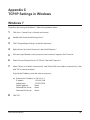
To perform the settings for Windows XP, follow the procedure below.
1
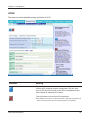
Click Start > Settings > Control Panel.
2
Double click “Network”.
3
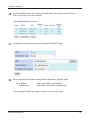
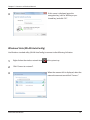
Right click on “Local Area Connection”, then click “Properties”.
4
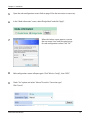
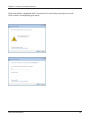
Select “Internet Protocol (TCP/IP)”, then click “Properties”.
5
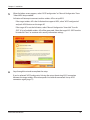
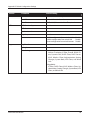
Select “Obtain an IP address automatically” and “Obtain DNS server address
automatically”, and then click “OK” in normal situations.
If you fix the IP address, enter the value as necessary.
ex)
6
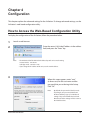
If the router's IP address is 192.168.11.1;
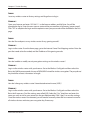
IP address
192.168.11.80
Subnet mask
255.255.255.0
Default gateway
blank
Preferred DNS server
blank
Alternate DNS server
blank
Click “Close”.
WCR-GN User Manual
98