1
Appendix C. License Manager
121
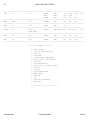
C.1.3 License Manager Options (at daemon startup only)
1)
iptlmd -e dir:dir:dir...
Key file directories (required)
Directories must be full pathnames separated by colons.
2)
iptlmd -r file
Reserve file
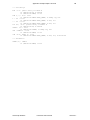
This file allows licenses to be reserved for specific users or machines.
The format of this file is:
product:group:client1,...,clientn:K
Each group, with the client members, has K licenses for FortranLint .
If users are using UNIX based systems, the group name is unrelated to the
UNIX system group names. It is only the name you wish to call this group
of users.
A client is either a user name or a host name preceded by the at sign (“@”).
Example:
flint:hackers:wendy,jeff,sara,fred:3
flint:lab:@gumby:1
Here Fred is a user name, and @gumby is a host name.
Comment lines begin with “#”.
3)
iptlmd -l logfile
4)
Log file (needed for usage reports; recommended).
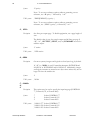
iptlmd -m size
Maximum log file size. This
limits the size of the log file. When this size is
reached, the log file is copied to file.old and is cleared.
The size is given as a floating number followed by
either “m” for megabytes or “k” for kilobytes.
Examples:
-m 100k
-m 0.5m
5)
6)
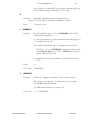
iptlmd -v #
Log file verbosity. The default
value is 3. Lower numbers produce less output and
higher numbers produce more output.
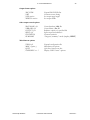
iptlmd -f
Cleanscape Software
Run in foreground. The license manager normally
“backgrounds” itself and exits. This option keeps it in
the foreground.
FortranLint User’s Manual
Version 6.x