1
180 Program and FX Q-LINK Controllers
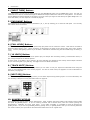
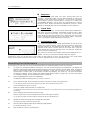
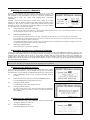
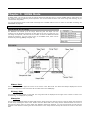
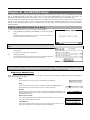
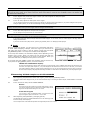
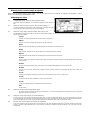
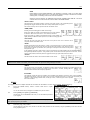
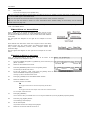
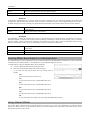
NOTE ON
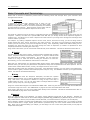
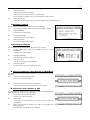
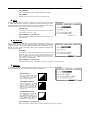
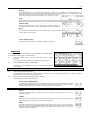
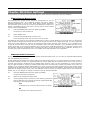
The setting value of the Q-LINK slider/knob at hitting the pad affects to the sound. If you change the Q-LINK slider/knob while the
sound is playing back, the sound will not be changed. The information of the slider or knob position will be sent to the sampler section
as Note Variation data The Note Variation data is included in the Pad Event and converts the specific parameter value to slider or
knob position data. For example, when you select TUNE as a parameter, by moving the slider, you can affect the sample tune.
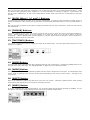
REAL TIME
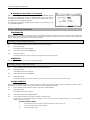
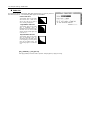
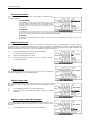
If you change the Q-LINK slider/knob while the sound is playing back, the sound will be changed. When REAL TIME is selected, the
information of Q-LINK slider/knob is recorded as a Q-LINK event, not as Note Variation data.
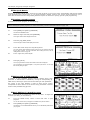
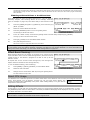
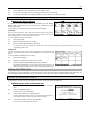
06.
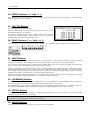
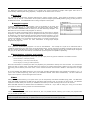
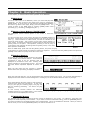
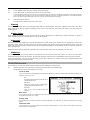
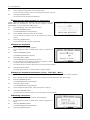
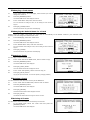
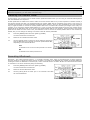
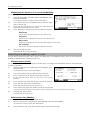
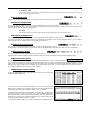
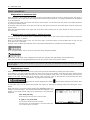
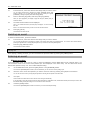
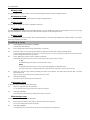
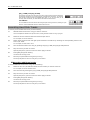
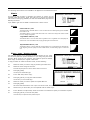
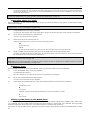
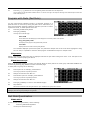
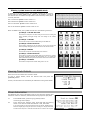
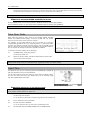
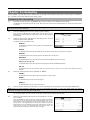
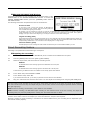
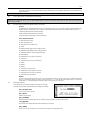
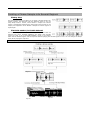
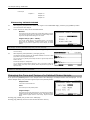
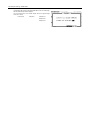
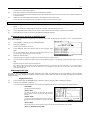
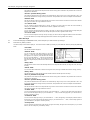
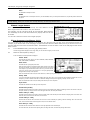
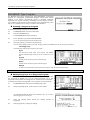
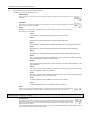
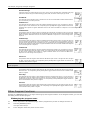
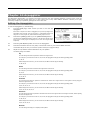
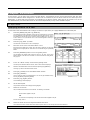
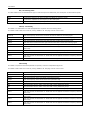
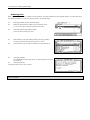
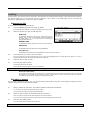
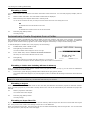
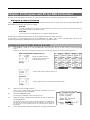
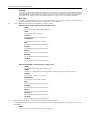
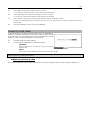
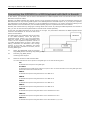
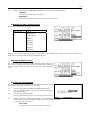
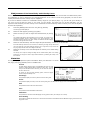
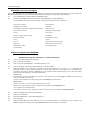
In the 'Parameter' field, select the parameter you wish to control.
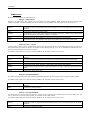
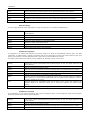
When the REAL TIME is selected in the 'Change' field
TUNE
This controls the sample’s pitch. (Sample Programs only)
LEVEL
This controls the sample’s volume level.
CUTOFF
This controls the cutoff frequency of the Filter.
RESONANCE
This controls the resonance value of the Filter
PAN
This control the sample’s position in the stereo field.
ATTACK
This controls the attack time of the Amp Envelope.
DECAY
This controls the decay time of the Amp Envelope.
RELEASE
This controls the release time of the Amp Envelope
FX SEND
This controls the FX Send level for the selected pad.
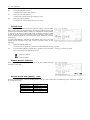
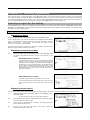
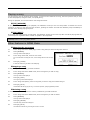
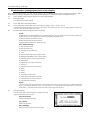
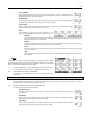
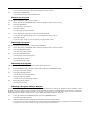
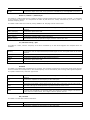
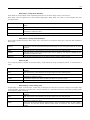
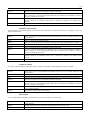
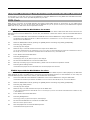
When the NOTE ON is selected in the 'Change' field
TUNE
This controls the sample’s pitch. (Sample Programs only)
LAYER
This allows you to alter the HIGH and LOW Range at which the Event will be triggered. (Sample Programs only)
CUTOFF
This controls the cutoff frequency of the Filter.
RESONANCE
This controls the resonance value of the Filter
PAN
This control the sample’s position in the stereo field.
ATTACK
This controls the attack time of the Amp Envelope.
DECAY
This controls the decay time of the Amp Envelope.
RELEASE
This controls the release time of the Amp Envelope
FX SEND
This controls the FX Send level for the selected pad.
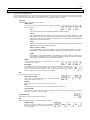
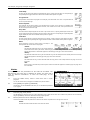
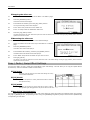
07.
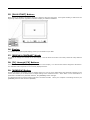
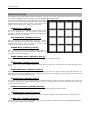
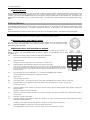
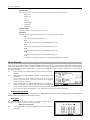
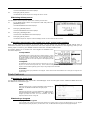
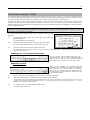
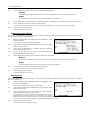
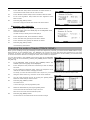
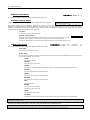
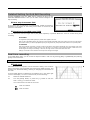
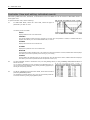
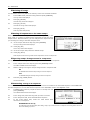
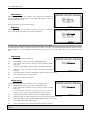
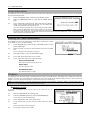
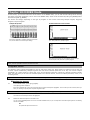
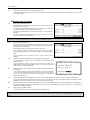
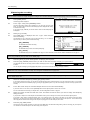
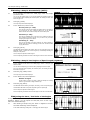
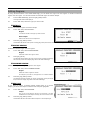
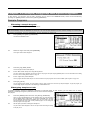
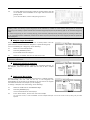
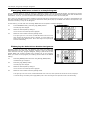
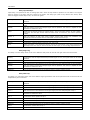
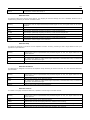
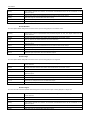
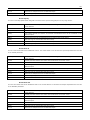
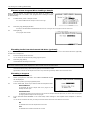
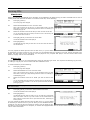
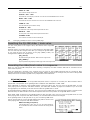
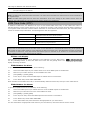
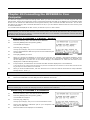
In the 'Range' field, set the upper and lower limit of the slider or knobs.
The value of the controlled parameter is determined by the value set here. The value range depends on the type of the parameter selected in the
Parameter' field.
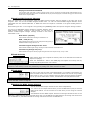
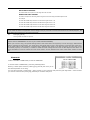
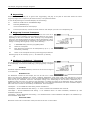
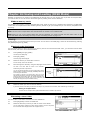
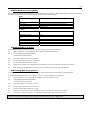
TUNE:
-120 - +120 - This controls the sample pitch with '10' equaling a semitone.