1
18
ENGLISH
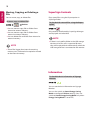
Moving, Copying, or Deleting a
File
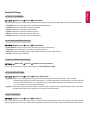
SuperSign Contents
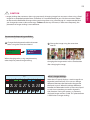
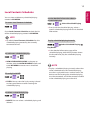
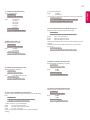
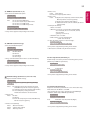
You can move, copy, or delete files.
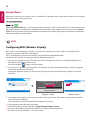
Plays stored files using the Export option in
SuperSign Editor.
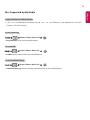
To move, copy, or delete files
Devices
••You can move or copy files or folders from
internal to external memory.
••You can move or copy files or folders from
external to internal memory.
••You can delete files or folders from internal or
external memory.
NOTE
••Those files bigger than internal remaining
memory aren`t allowed to be copied or moved
to the internal memory.
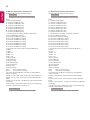
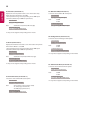
To play back the stored files using the Export
option
Only contents distributed by SuperSign Manager
are displayed and selectable.
NOTE
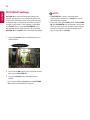
••If there is an AutoPlay folder in the USB storage
device and its files are in supported formats,
they will be played back automatically when the
USB storage device is connected to the monitor.
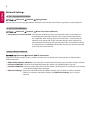
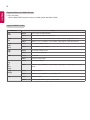
Information
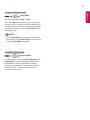
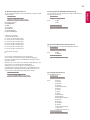
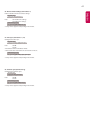
To check the basic information of Signage
Monitor
You can see the basic information on Signage
Monitor.
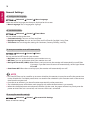
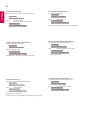
You can also switch to Smart Energy Saving
Mode or configure Fail Over settings. (You can
switch to Smart Energy Saving Mode only when
Energy Saving Mode is set to Off.)