1
Configuring the Cole-Parmer ® Touch Screen Series
21
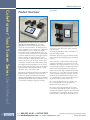
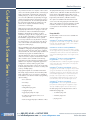
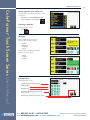
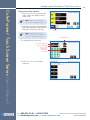
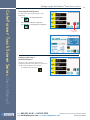
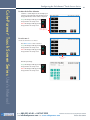
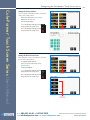
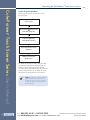
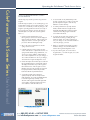
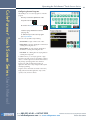
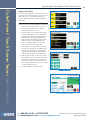
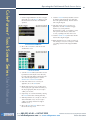
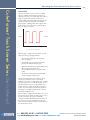
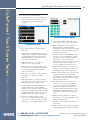
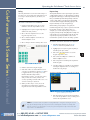
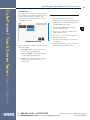
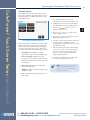
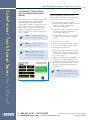
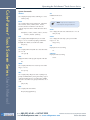
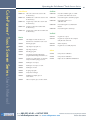
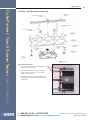
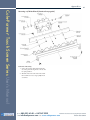
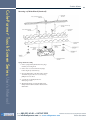
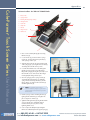
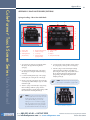
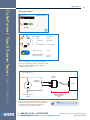
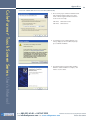
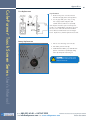
In the Set-up screen , press Audible Alarms.
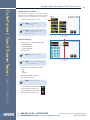
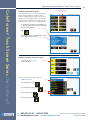
Select the alarms, a check mark will
indicate the alarms selected.
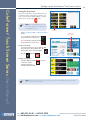
Press
If these alarms are selected the pump
will provide an audible alarm.
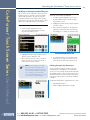
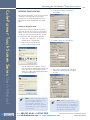
Accept the changes made by pressing
and go back to the Set-up screen.
Cancel the changes made by pressing
and go back to the Set-up screen.
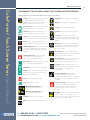
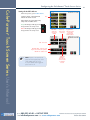
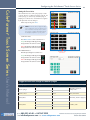
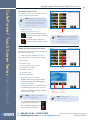
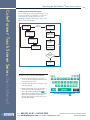
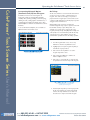
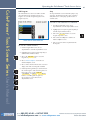
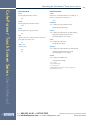
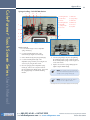
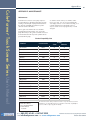
End of Run –
Alarm when
the program
is finished
Power Up –
Pump is turned
on the pump
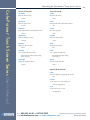
Keypad Clicks –
When the keypad
is touched the
unit will provide
audible feedback
®
Cole-Parmer Touch Screen Series User’s Manual
Setting the Audible Alarms
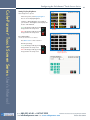
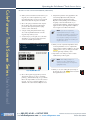
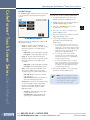
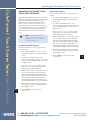
Stall – Motor stalls
Near End of Run – When the volume
dispensed is reached for the specified %
✐
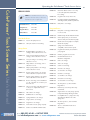
Mute All – No audible sounds
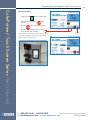
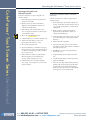
NOTE: If power is removed from the
pump without turning the pump switch
off an audible alarm will sound.
To stop the audible alarm toggle the
power switch to off.
Calibration
Reminder –
Alarm when the
unit has reached
its calibration
due date
800.323.4340 fax 847.247.2929
Cole-Parmer
e-mail [email protected] web www.coleparmer.com
phone
®
Touch Screen Series Syringe Pump User’s Manual
Publication 5607-009-REV-A