1
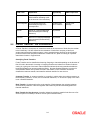
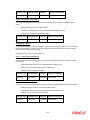
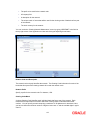
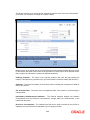
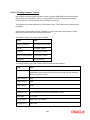
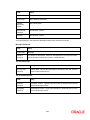
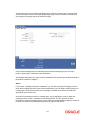
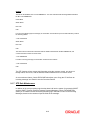
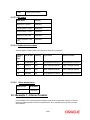
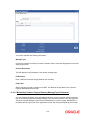
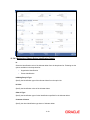
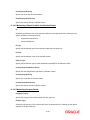
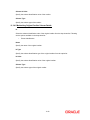
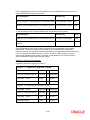
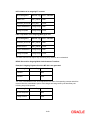
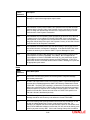
You need to maintain the following information:
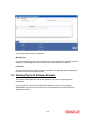
Message Type
Choose the message for which you need to maintain a label. Select the appropriate one from the
adjoining option list.
Account Description
This will display a brief description of the chosen message type.
Field Number
Enter a UDF serial number ranging between one and thirty.
Field Label
Specify the label you wish to assign for the UDF. This label will be populated in the Common
Payment Message Browser screen.
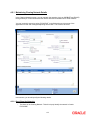
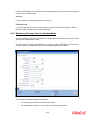
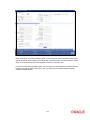
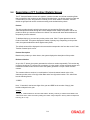
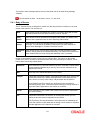
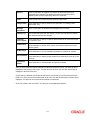
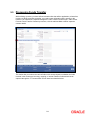
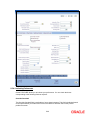
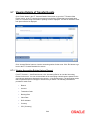
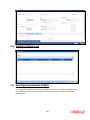
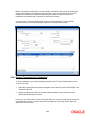
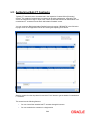
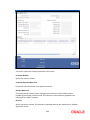
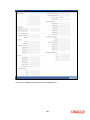
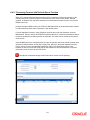
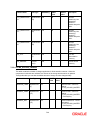
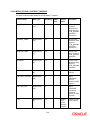
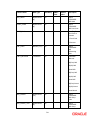
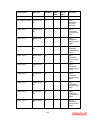
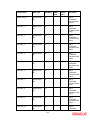
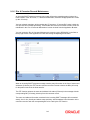
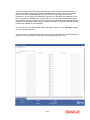
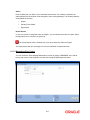
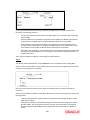
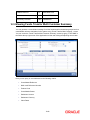
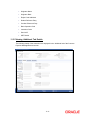
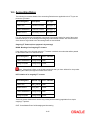
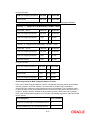
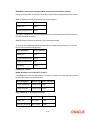
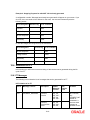
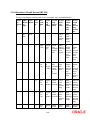
11.2.1.7 Maintaining Common Payment Gateway Message Type Preferences
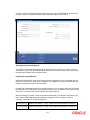
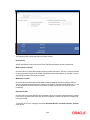
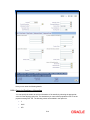
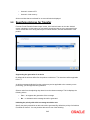
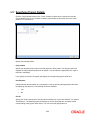
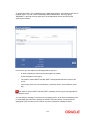
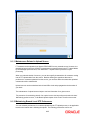
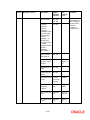
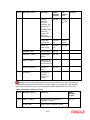
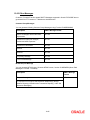
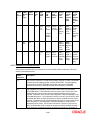
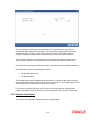
You can maintain the details of the amendable fields for a common payment gateway message
type in the Common Payment Gateway Message Type Preferences screen. You can invoke the
‘Common Payment Message Type Preference Maintenance’ screen by typing ‘MSDPMTPR’ in
the field at the top right corner of the Application tool bar and clicking the adjoining arrow button.
11-4

































































![[December] [2011] Oracle Part Number E51535-01](http://vs1.manualzilla.com/store/data/005639894_1-7cab28abe75641f653b0af59966ce958-150x150.png)