1
ENG
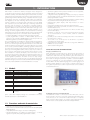
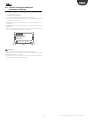
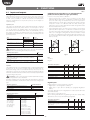
2.6 upload, Download and reset
parameters (display)
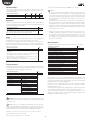
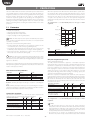
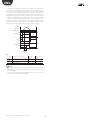
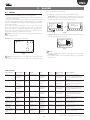
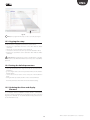
1. press the Help and Enter buttons together for 5 seconds;
2. a multiple choice menu will be displayed, use UP/DOWN to select
the required procedure;
3. confirm by pressing ENTER;
4. the display will prompt for confirmation, press ENTER;
5. at the end a message will be shown to notify the operation if the
operation was successful.
• UPLOAD: the display saves all the values of the parameters on the
source driver;
• DOWNLOAD: the display copies all the values of the parameters to the
target driver;
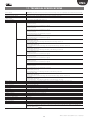
• RESET: all the parameters on the driver are restored to the default
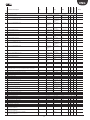
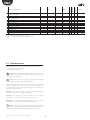
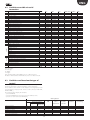
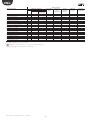
values. See the table of parameters in chapter 8.
UPLOAD
DOWNLOAD
RESET
Fig. 2.i
Important:
• the procedure must be carried out with driver powered;
• DO NOT remove the display from the driver during the UPLOAD,
DOWNLOAD, RESET procedure;
• the parameters cannot be downloaded if the source driver and the
target driver have incompatible firmware.
11
“EVD evolution” +0300005EN - rel. 1.0 - 16.06.2009