1
TOPEX Bytton (HSPA+ / LTE)
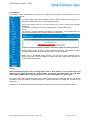
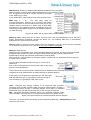
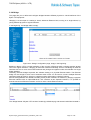
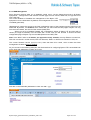
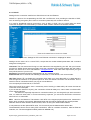
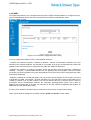
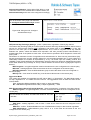
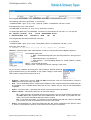
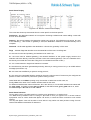
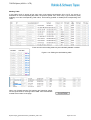
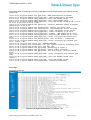
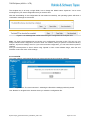
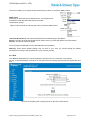
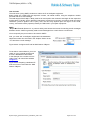
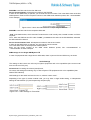
Setting the X.509 Certificates:
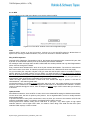
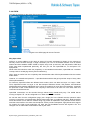
For secure connections, the web browsers use SSL authentication with "X.509" certificates.
This "Digital Certificate Standard" was issued by ITU-T for the secure management and distribution of
digitally signed certificates across secure Internet networks. The strong authentication goes beyond a
simple password to verify user identity, using instead advanced credentials, which are created by
cryptographic means.
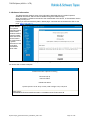
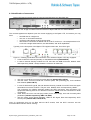
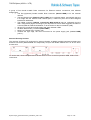
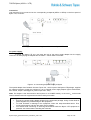
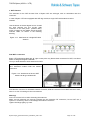
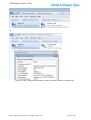
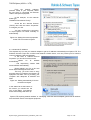
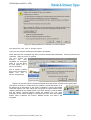
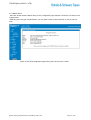
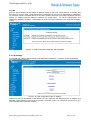
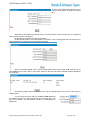
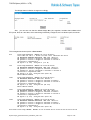
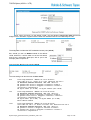
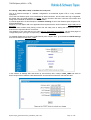
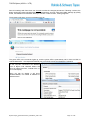
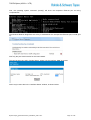
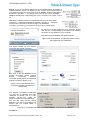
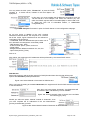
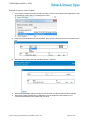
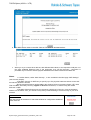
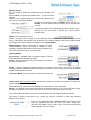
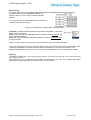
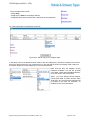
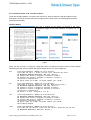
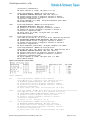
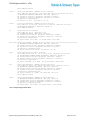
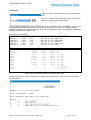
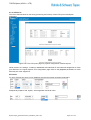
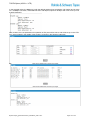
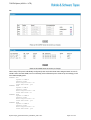
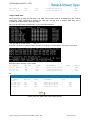
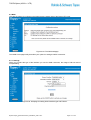
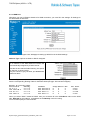
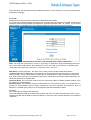
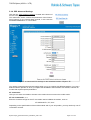
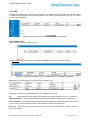
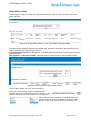
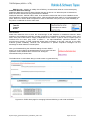
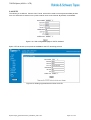
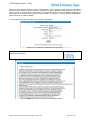
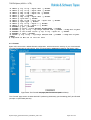
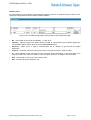
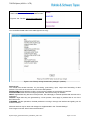
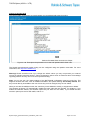
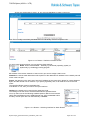
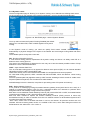
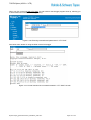
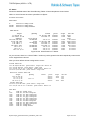
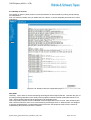
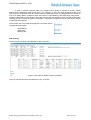
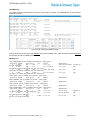
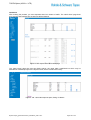
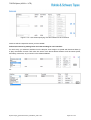
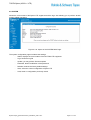
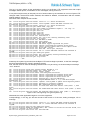
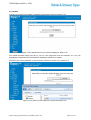
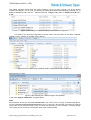
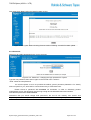
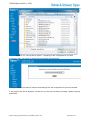
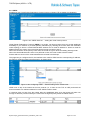
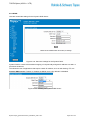
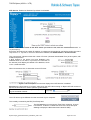
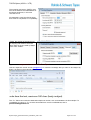
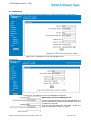
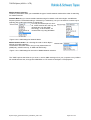
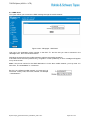
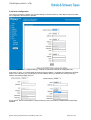
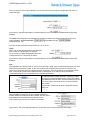
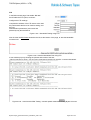
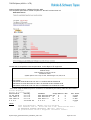
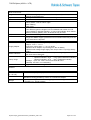
Upload the certificate files for X.509:
Figure 5-98: Upload the certificate files for X.509.
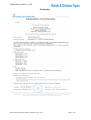
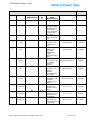
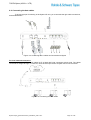
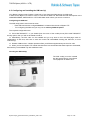
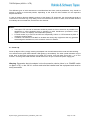
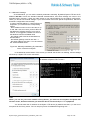
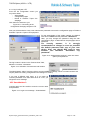
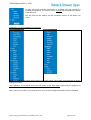
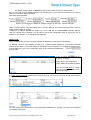
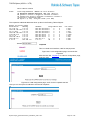
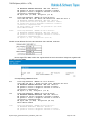
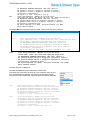
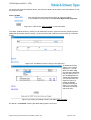
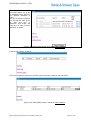
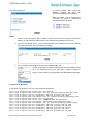
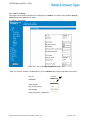
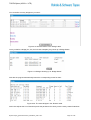
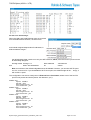
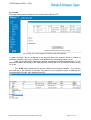
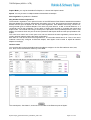
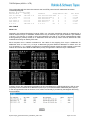
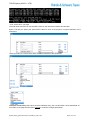
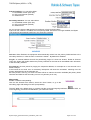
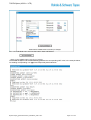
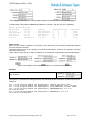
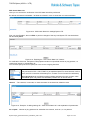
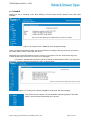
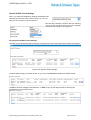
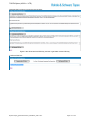
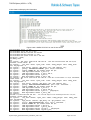
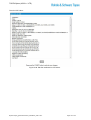
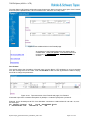
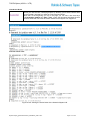
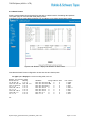
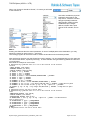
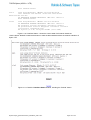
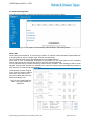
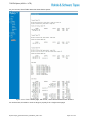
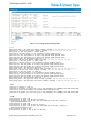
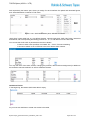
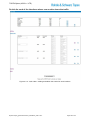
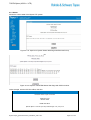
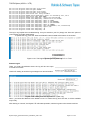
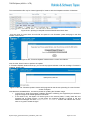
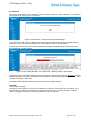
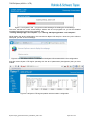
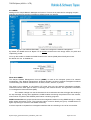
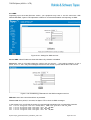
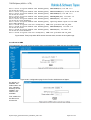
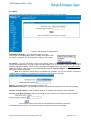
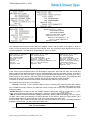
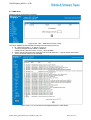
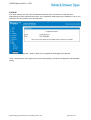
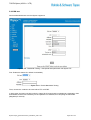
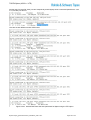
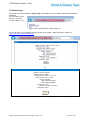
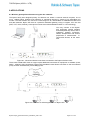
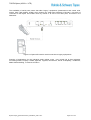
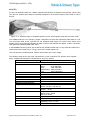
Finally, the link “IPSEC STATUS” opens a window that displays the current state of the IPSEC tunnels.
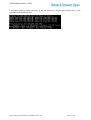
Figure 5-90a: “IPSEC STATUS” when no tunnel is raised.
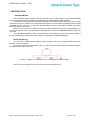
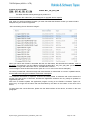
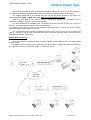
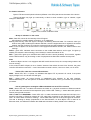
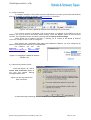
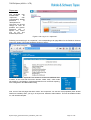
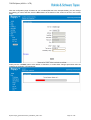
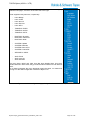
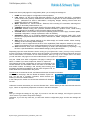
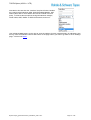
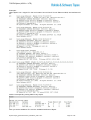
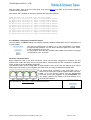
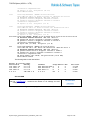
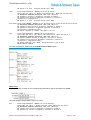
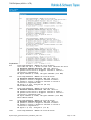
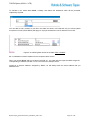
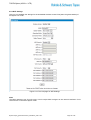
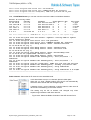
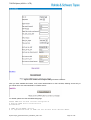
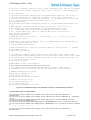
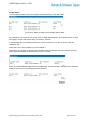
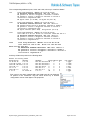
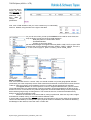
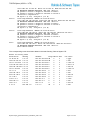
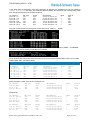
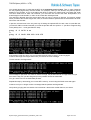
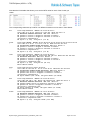
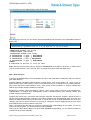
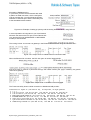
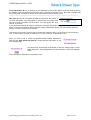
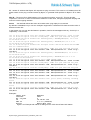
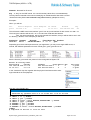
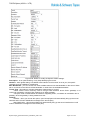
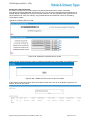
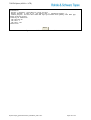
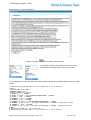
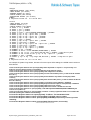
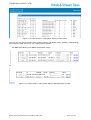
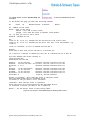
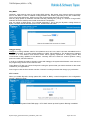
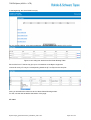
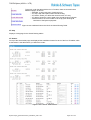
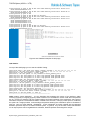
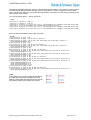
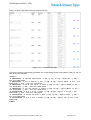
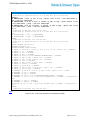
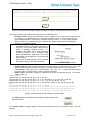
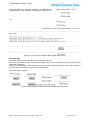
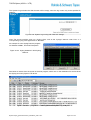
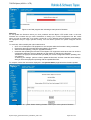
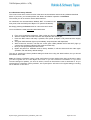
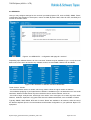
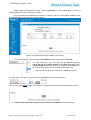
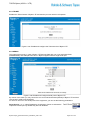
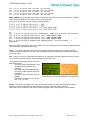
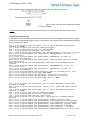
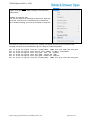
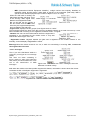
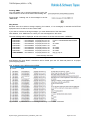
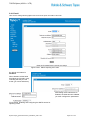
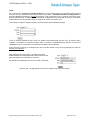
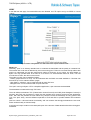
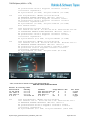
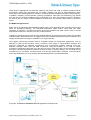
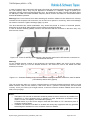
IP Sec Status shows information about the IPSEC tunnels which are up on the Bytton equipment. For
instace, for this IP Sec tunnel:
ByttonLTE(full)_genericUsermanual_sw306FAS_revN.1.docx
Page: 158 / 290