1
TOPEX Bytton (HSPA+ / LTE)
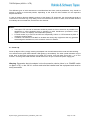
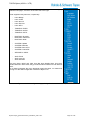
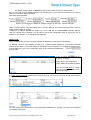
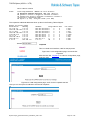
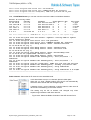
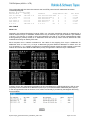
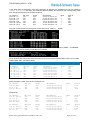
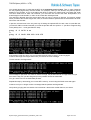
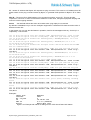
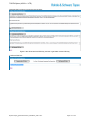
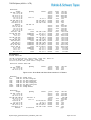
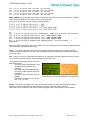
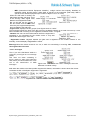
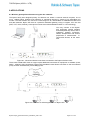
As can be seen from the examples above, the servers for DNS may be either in the local network or over
the Internet or WAN.
Filter List MAC
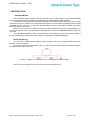
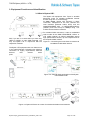
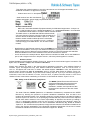
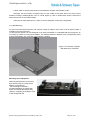
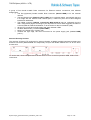
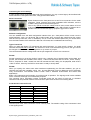
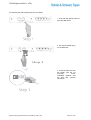
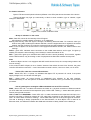
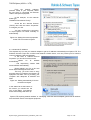
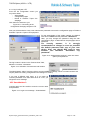
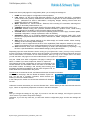
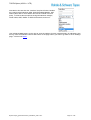
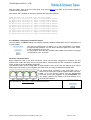
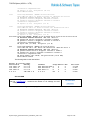
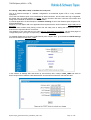
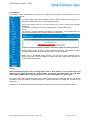
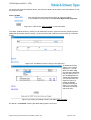
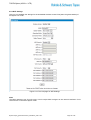
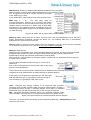
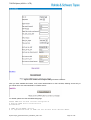
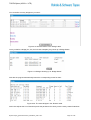
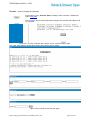
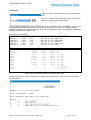
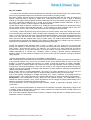
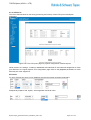
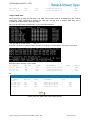
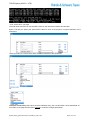
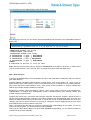
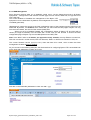
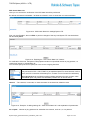
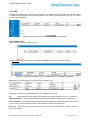
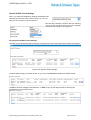
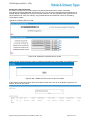
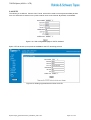
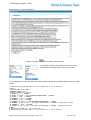
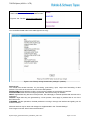
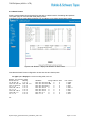
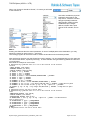
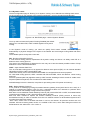
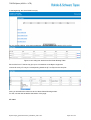
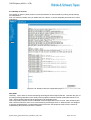
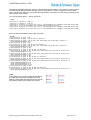
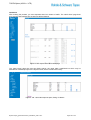
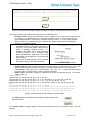
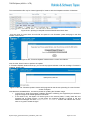
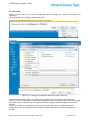
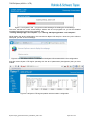
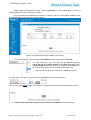
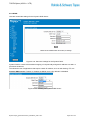
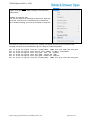
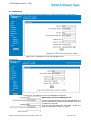
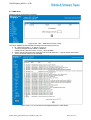
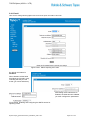
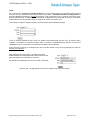
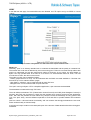
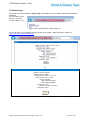
Click the first blue link located at the bottom to reach this feature.
It is an additional security feature, for the whole Bytton ICR equipment.
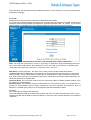
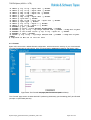
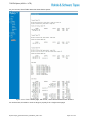
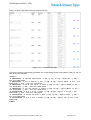
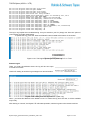
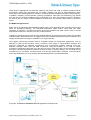
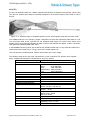
Figure 5-31: Click the link “Filter List MAC” to use this feature.
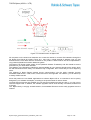
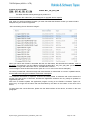
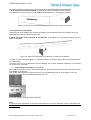
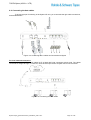
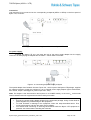
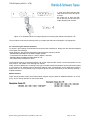
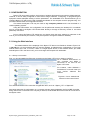
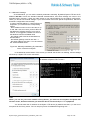
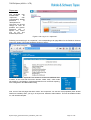
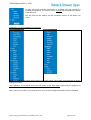
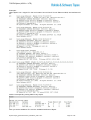
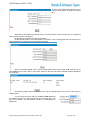
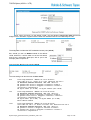
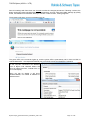
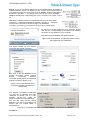
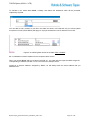
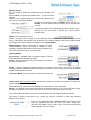
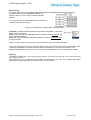
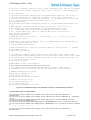
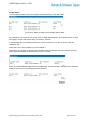
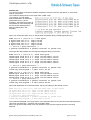
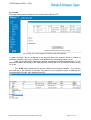
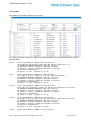
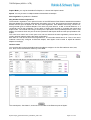
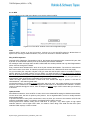
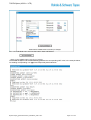
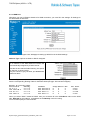
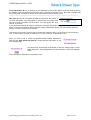
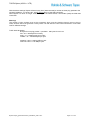
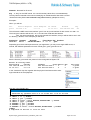
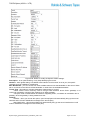
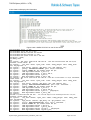
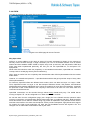
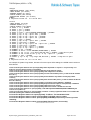
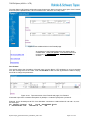
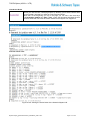
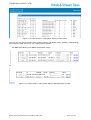
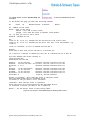
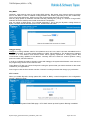
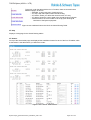
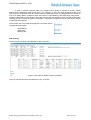
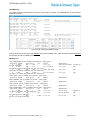
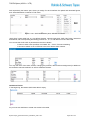
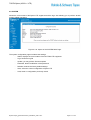
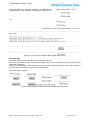
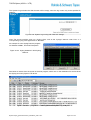
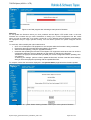
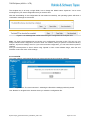
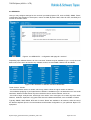
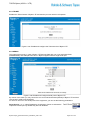
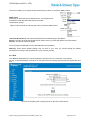
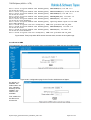
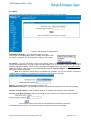
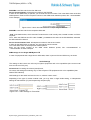
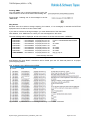
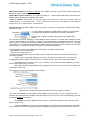
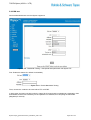
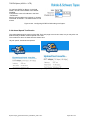
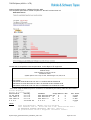
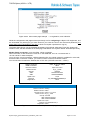
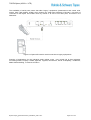
The “MAC” window shows up, where you can selectively accept or reject access form specific physical
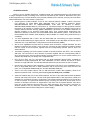
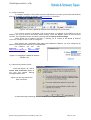
addresses. By default, this list is empty, you should use the link “Add New” at the bottom to create new
entries:
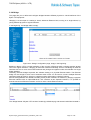
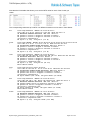
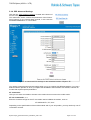
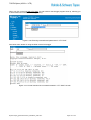
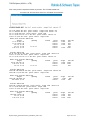
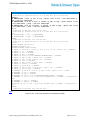
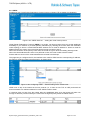
Figure 5-32: The MAC list, which is empty in the beginning.
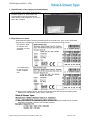
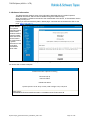
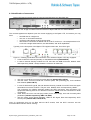
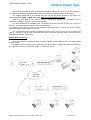
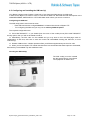
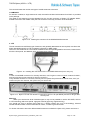
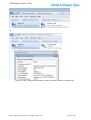
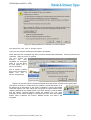
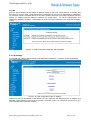
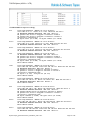
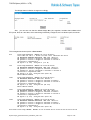
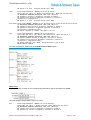
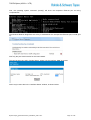
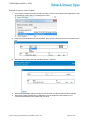
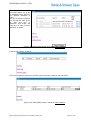
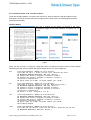
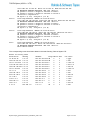
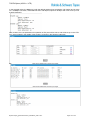
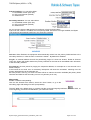
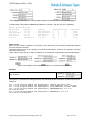
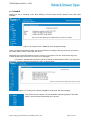
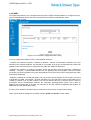
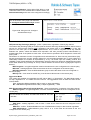
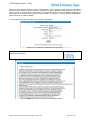
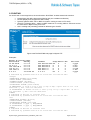
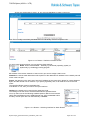
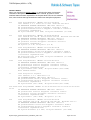
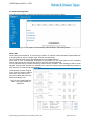
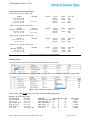
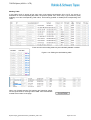
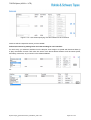
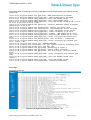
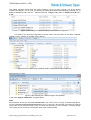
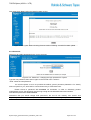
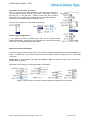
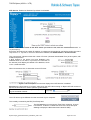
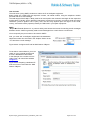
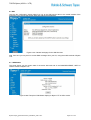
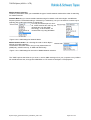
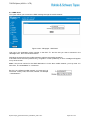
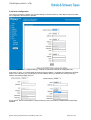
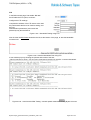
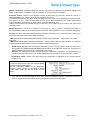
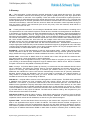
An additional security
feature, for the whole
equipment – you can
allow LAN traffic only
form the MAC addresses
that you specify here, or
you can deny traffic for
certain MAC addresses.
You can also block the
respective user to a
certain IP address.
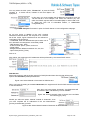
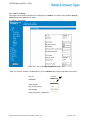
By default the table is
empty, you must Add
new entries, then Edit
and Save them:
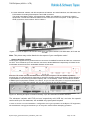
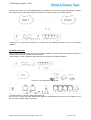
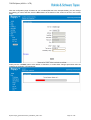
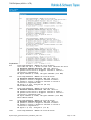
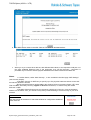
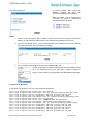
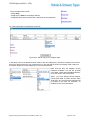
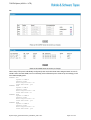
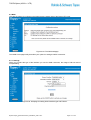
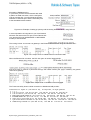
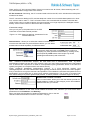
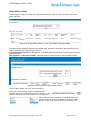
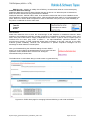
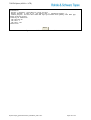
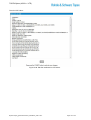
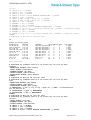
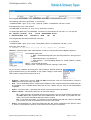
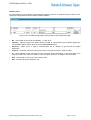
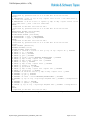
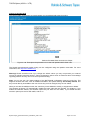
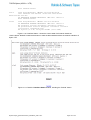
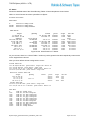
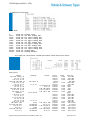
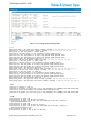
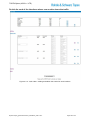
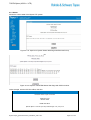
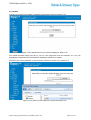
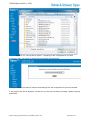
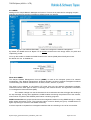
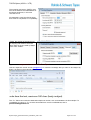
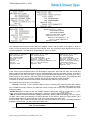
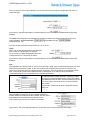
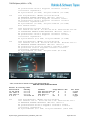
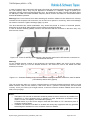
Figure 5-33: Adding and editing entries in the table “Filter List MAC”.
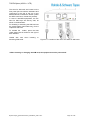
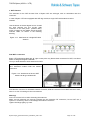
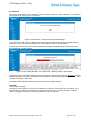
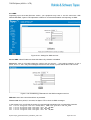
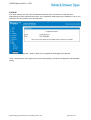
By default, it is Disabled, meaning this MAC filtering feature is inactive.
ByttonLTE(full)_genericUsermanual_sw306FAS_revN.1.docx
Page: 83 / 290