1
Chapter III Usage Preparation
I. Accessories
1. Main unit
2. USB data cable
3. Charger
4. Headset cable (optional)
5 Battery
II. Appearance and Interface
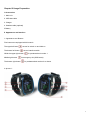
1. Appearance and Buttons
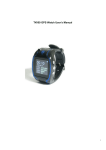
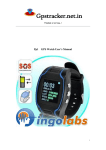
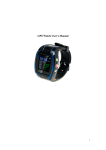
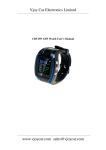
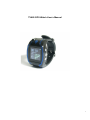
Five buttons are equipped with this watch
The upper left button
The bottom left button
serves for switch-on and hold-on
serves interface switch
While the upper right button
Middle right button
The bottom right button
for predetermined number 1
for emergency aid (SOS button)
for predetermined number 2 as shown
In picture 1:
6