1
Shenzhen SUNSKY Technology Limited
After successful set, it will reply “The GSM camera have successfully reset to its default
settings”. The remote control is needed to reload too.
Password is required with the SMS command, otherwise, it will reply “You forgot including 4
digit password to reset camera”.
Generally, after restore to factory settings, the network parameters such as MMS center, APN
etc. are not needed to reset, unless it is necessary.
Chapter 6 Maintenance
Store and use the remote camera in suitable temperature. Too high or too low temperature will
likely to damage the device.
Try to keep the host and all its accessories dry. Do not store and use it in the bathroom, or
other place with high humidity. Do not allow pour water or other liquids into the camera,
otherwise, it might cause malfunctions.
Do not store and use the camera in dusty.
Do not use alcohol, acetone and other similar solvents to clean it. Wipe it with soft-wet cloth.
Do not attempt to open it except as instructed. If the camera does not work normally, try to
resolve it as the guide of the "general troubleshooting", if to the problem can not be solved,
contact with the dealer immediately.
To prolong the life-span of the battery, connect the camera host to the power supply to charge
the built-in Lithium battery for 4 hours every 3 months if the camera does not use for long time.
Charge the battery at least 12 hours at the first time use to achieve the full performance of the
battery.
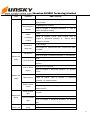
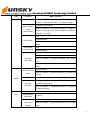
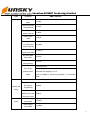
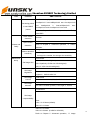
Chapter 7 General Troubleshooting
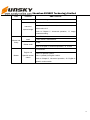
No.
General Trouble
Possible Reason
1
Can’t start camera
(Indicator is work)
Other master already be
set in the camera.
Recover to factory
default setting.
All functions
disable (Indicator
is work)
Calling line presentation
or MMS functions of the
SIM card do not active,
insufficient fee of the
SIM card.
Contact network
provider to active SIM
card function. Pay for
the card.
2
Solution
32