1
User’s Manual of IPM-1200x Series
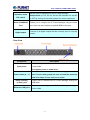
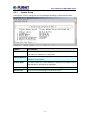
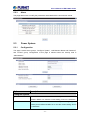
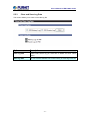
Option
Description
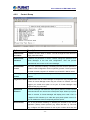
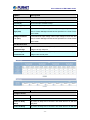
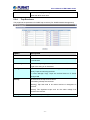
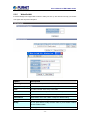
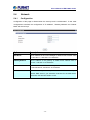
Configure Inlet
Voltage (V)
The current input voltage in Volt.
Current (A)
The current input currents in Amp.
Frequency (Hz)
The current input frequency in Hz.
Voltage Threshold
High threshold of input voltage. When input voltage is higher than this
High (Volt)
value, IP Power Manager will take action specified in the "Inlet Events
Action" table.
Voltage Threshold
Low threshold of input voltage. When input voltage is lower than this
Low (Volt)
value, IP Power Manager will take action specified in the "Inlet Events
Action" table.
Inlet Events Action
Input Voltage Over
Turn off selected outlets or digital outputs will occur when the input
Threshold High
voltage over high set point.
Input Voltage Under
Turn off selected outlets or digital outputs will occur when the input
Threshold Low
voltage under low set point.
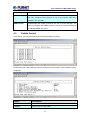
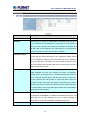
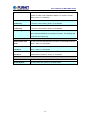
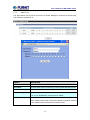
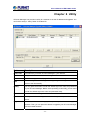
Option
Description
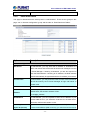
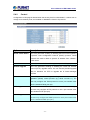
Configure Outlet
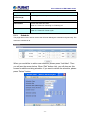
Outlet Name
Set the name of this outlet.
Location
Set the name of the location of this outlet.
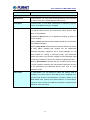
Power On Delay
Set power on delay time in seconds. The outlet will turn on after the
(Secs)
delay time.
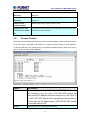
Power Off Delay
Set power off delay time in seconds. The outlet will turn off after the
- 33 -