1
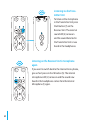
Selecting the tone
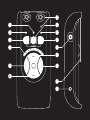
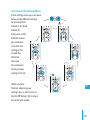
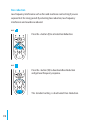
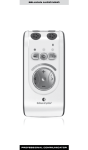
Use the tone control’s < button (11) to reduce and the
> button (12) to increase the treble in the tone. The
Volume and Tone LED Indicator (8) shows the selected
setting. The LED indicator goes out 5 seconds after the
sound quality has been set.
DE
DK
EN
ES
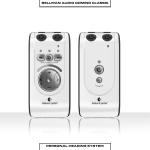
The Receiver Unit can be used as a small and adaptable self-contained call
amplifier, but together with the Transmitter Unit it opens up a whole new
range of possibilities. You can achieve the greatest flexi-bility when using the
Receiver Unit together with the Transmitter Unit.
FI
FR
IT
JP
NL
PL
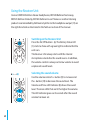
Using the Transmitter Unit
SE
Switching on the Transmitter Unit
TR-CN
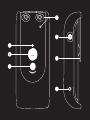
Press the On/Off button i (18). The Battery Status LED
(17) starts to shine with a green light to indicate that
the unit is on.
APP
SI-CN
61