1
Chapter 5: Using the web interface
Viewing the Alarm List
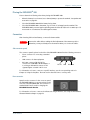
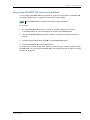
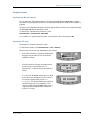
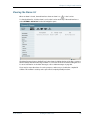
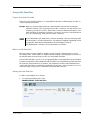
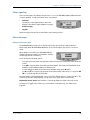
When an alarm is issued, the web interface shows an alarm icon
in the icon bar.
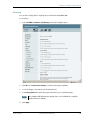
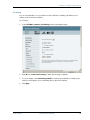
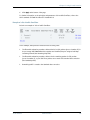
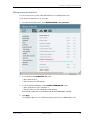
To view the Alarm list, click the alarm icon from the icon bar at the top of the web interface or
select SETTINGS > Alarm list from the left navigation pane.
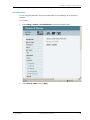
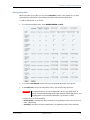
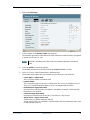
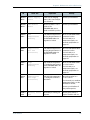
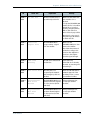
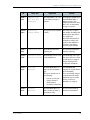
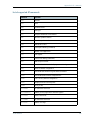
The Alarm list page shows a detailed list of active alarms including the time of the first occurrence,
ID and severity of the alarm message, number of occurrences and a short text describing the error.
For more information on the alarm messages, refer to Alarm messages on page 168.
If you need to report the alarms for service purposes, make sure you include the complete ID
number. This number is used by service personnel to uniquely identify an alarm.
TT 98-123571-F
Viewing the Alarm List
115