1
Chapter 5: Using the web interface
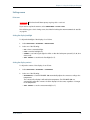
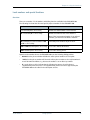
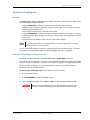
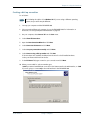
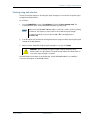
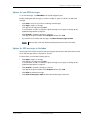
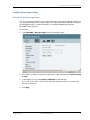
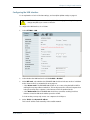
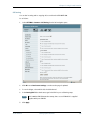
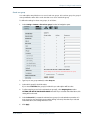
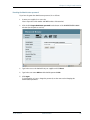
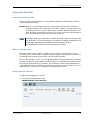
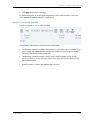
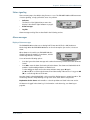
2. Click the link New entry.
3.
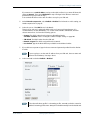
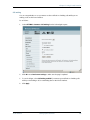
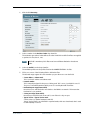
Select a number in the Eval.Prec. Index drop-down list.
The evaluation precedence index defines the order in which the traffic flow filters are applied
to packets. 0 is first, then 1, 2 etc.
Note
This field is mandatory. Each filter must have a different Evaluation Precedence
Index.
4.
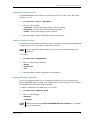
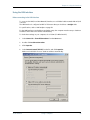
Select the Profile from the drop-down list.
The available profiles are the profiles listed under ADMINISTRATION > Profiles.
5.
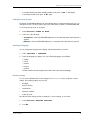
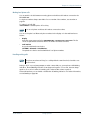
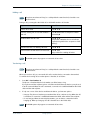
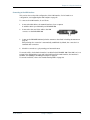
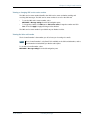
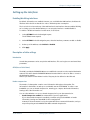
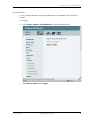
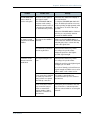
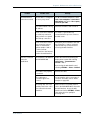
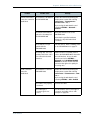
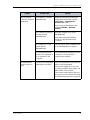
Fill in one or more of the following fields to define the filter.
The allowed ranges appear in hover text when you pass the mouse over the fields.
• Source address + Subnet mask.
This is an IPv4 IP address and subnet mask.
• Protocol number.
This is uniquely assigned for the protocol being used. TCP is set to 6, and UDP is set to 17.
The protocol number determines which protocol is used by the traffic flow filter.
• Destination port range (From and To).
Note that Source and Destination are relative to the BGAN core network. This means that
Destination is your terminal.
• Source port range (From and To).
Note that you must fill in both From and To, even if there is only one port.
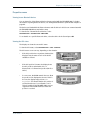
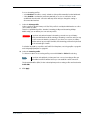
• Type of Service + Type of Service mask.
Set this value to a number between 0 and 255.
Type of Service (TOS) is an 8-bit field in a packet header, with associated mask, that is used
to define Quality of Service.
TT 98-123571-F
Administration
125