1
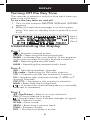
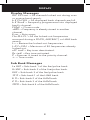
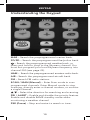
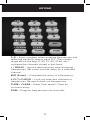
WEATHER SAME Standby Mode In SAME Standby mode, your scanner monitors weather channels for SAME alerts for up to seven areas you specify by entering the FIPS codes. To program your scanner for SAME Standby mode: 1. Press . 2. Press PGM to access the FIPS code entry mode. 3. Use or to select the desired FIPS code storage location. 4. Use the number keys to enter the FIPS code, then press ENT to store the code. 5. Repeat steps 3-4 for all the FIPS codes that you wish to store. 6. Press to exit FIPS code entry mode. The scanner displays F showing that FIPS codes are enabled. 7. Press PRI/ALERT to initiate SAME Standby mode. The scanner displays F [1-7] CH StAndby. The scanner will monitor weather channels for alerts with matching FIPS codes. To exit SAME Standby mode, press PRI/ALERT again. • Press L/O during step 4 to lock-out FIPS entries; L/0 appears in the display. Press L/O again to enable FIPS entries; L/0 disappears. • If you do not enter any FIPS codes, or if your FIPS codes are locked out, when you enter SAME Standby mode the scanner receives alerts and warning messages for all receivable areas. • The scanner sounds an alert when it receives the SAME code. To stop the alert and ready the scanner to receive a new alert signal, press any key. • If you do not stop the alert within five minutes, the alert stops and the scanner beeps every ten seconds. If the scanner receives a new weather alert after five minutes, it sounds the new alert. 20