1
Bruker AXS Handheld Inc S1 TRACER User Manual
5.3.3 Library
The Library option is for identifying and verifying alloys and grades that are not stored
in the factory libraries.
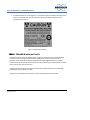
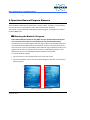
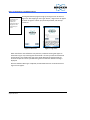
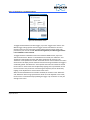
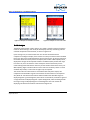
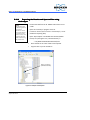
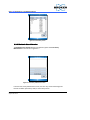
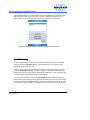
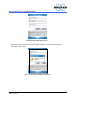
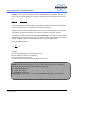
The library to be used can be selected by entering the Library menu, selecting the
library of interest, and tapping on “Continue”. An example of a Library menu screen
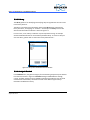
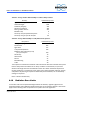
with the standard and user libraries is shown in Figure 5.9.
In some cases, a User Library or Libraries may be required for testing. An example
would include identification of non-standard specialized alloys. To create or edit your
own user library, please refer to section 6.3 “Library Maintenance.”
Figure 5.9: Library menu with Standard and User Libraries
5.3.4 Analysis Method
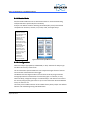
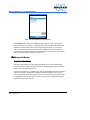
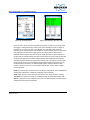
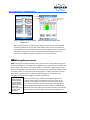
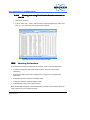
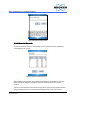
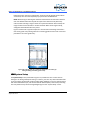
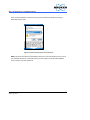
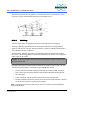
In the Method menu, the general category of materials being analyzed may be selected
from the menu shown in Figure 5.10. Method settings establish different voltage,
current, and filter settings for the S1 TRACER, optimized to provide the most accurate
measurement and chemistry calculation for each of the different types of alloys
included in the Reference Library.
Issued: 6/08
Supersedes: New
52