1
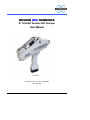
Bruker AXS Handheld Inc S1 TRACER User Manual
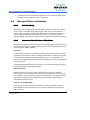
5.10.1
Viewing Results using “Pocket Excel”
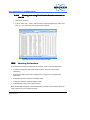
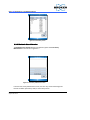
To view stored results with the PDA using Pocket Excel, close the BrukerS1 program
and open Pocket Excel. Pocket Excel automatically searches the PDA for any Excel files.
Tap on the desired file to open and view it.
Result files are stored in the “Data” folder inside of the “My Device” folder.
5.10.2
Viewing Results using a PC
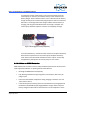
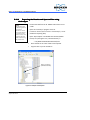
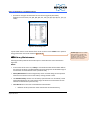
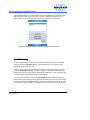
To view S1 TRACER test data on an external PC, you must first export the test data to
the PC Using Microsoft ActiveSync. Transferring data from the PDA will be similar to
transferring data from an external disk drive using Microsoft Windows Explorer.
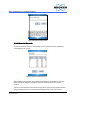
ActiveSync must be used in order to convert the Pocket Excel files (.pxl) to Comma
Separated Values files (.csv), which can be read by Microsoft Excel.
If test data was saved on a Compact Flash or SD memory card, data may be transferred
directly to a PC by use of a card reader accessory. In this case, ActiveSync is not
required.
5.10.3
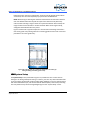
Installing Microsoft ActiveSync (if required)
•
Connect the PDA cradle’s USB cable to the PC.
•
If needed, turn on the PC and wait until Microsoft Windows is fully started.
•
Insert the ActiveSync CD-ROM into the computer’s disk drive.
•
Follow the instructions that appear on the computer screen.
NOTE: ActiveSync may also be downloaded from the Microsoft website:
http://www.microsoft.com/windowsmobile/activesync/activesync45.mspx
Issued: 6/08
Supersedes: New
61