1
Menu Items in the Setup Menu
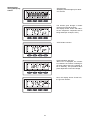
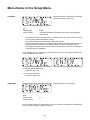
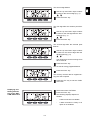
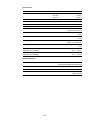
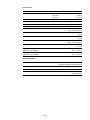
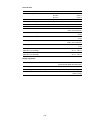
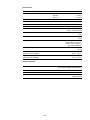
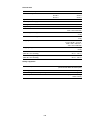
STANDBY
Manual activation / deactivation of Standby
operation using the "Enter" key
Unit
-
Setting range
Enter
Factory setting
Automatic operation of feeding energy into the grid (Standby
deactivated)
-
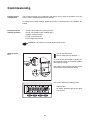
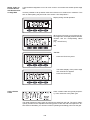
The power electronics are switched off in standby mode. No power is fed into the grid.
The Operating Status LED flashes orange.
The orange flashing Operating Status LED stops at dusk.
After the subsequent sunrise, the power supply operation into the grid is resumed automatically (after completion of the startup phase the LED is illuminated green).
Grid supply operation can be resumed at any time whenever the LED is flashing orange (deactivate "STANDBY").
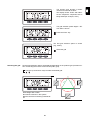
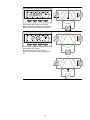
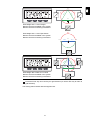
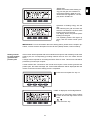
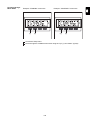
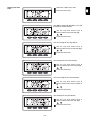
If the Standby mode is activated by pressing the "Enter" key, the display alternates between "STANDBY" and "Enter:"
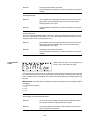
To maintain Standby operation:
Press the "Esc" key
To end Standby operation:
Press the "Enter" key
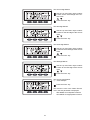
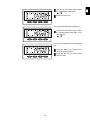
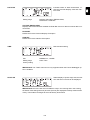
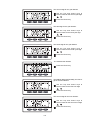
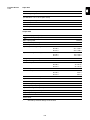
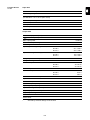
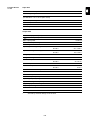
CONTRAST
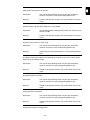
Contrast setting on LCD display
Unit
-
Setting range
0-7
Factory setting
7
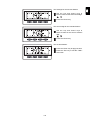
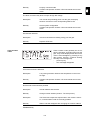
Since contrast depends on temperature, it may be necessary to adjust the "CONTRAST"
menu item when ambient conditions change.
104
































































![FRONIUS IG US [42,0410,1089]](http://vs1.manualzilla.com/store/data/005774043_1-689bd6c2a055f0ab88c64924d7fd22c0-150x150.png)



![Fronius CL USA [42,0426,0083,ES]](http://vs1.manualzilla.com/store/data/006262852_1-672d90bb3e675bc576d120cb8e5948ee-150x150.png)