1
SOHOSpeed ADSL Ethernet/Wireless Gateway User’s Guide
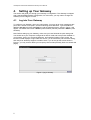
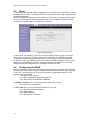
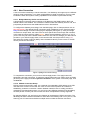
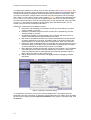
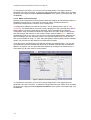
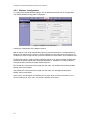
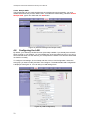
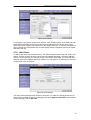
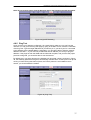
Figure 27 (IP Filters)
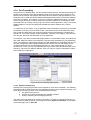
For example, if you want to host a Doom session, from the Main screen, click Advanced and
under Advanced, select IP Filters. First select the IP address for your Doom server. Next
select the Games category and add Doom to the applied rules box. To view the management
rules, highlight Doom and select view; this will display the pre-configured protocols and ports
that Doom will use.
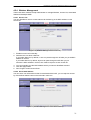
4.7.6 LAN Clients
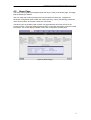
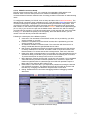
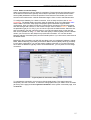
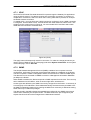
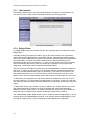
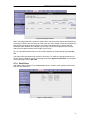
To add a LAN client, from the Main screen, click Advanced and under Advanced, select LAN
Clients. If DHCP is used, all DHCP clients are automatically assigned. If a fixed IP address
server is on the LAN and you want this server to be visible via the WAN, you must add its IP
address. Once the IP address has been added to you can apply Port Forwarding and Access
Control rules to this IP address.
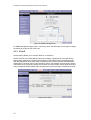
Figure 28 (LAN Clients)
The Apply button will temporarily save this connection. To make the change permanent you
need to click on Tools (at the top of the page) and select System Commands. At the system
commands page, click on Save All.
29