1
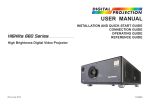
Digital Projection HIGHlite
8000 Series
IN THIS GUIDE
IN THIS GUIDE
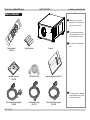
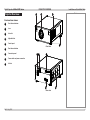
What’s In The Box?.............................................................................................. 3
Connecting The Power Supply......................................................................... 4
Projector Overview.............................................................................................. 5
Front and rear views.................................................................................................... 5
Control panel indicators.............................................................................................. 6
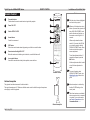
Remote Control..................................................................................................... 7
Infrared reception......................................................................................................... 7
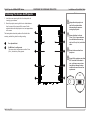
Positioning The Screen And Projector.......................................................... 8
Changing The Lens.............................................................................................. 9
Inserting a new lens..................................................................................................... 9
Removing the lens.....................................................................................................10
Operating The Projector.................................................................................. 11
Switching the projector on........................................................................................ 11
Switching the projector off........................................................................................ 11
Selecting an input signal........................................................................................... 11
Adjusting the lens......................................................................................................12
Focus...............................................................................................................................12
Zoom................................................................................................................................12
Shift..................................................................................................................................12
Rev F July 2014
Installation and Quick-Start Guide