1
the time to become familiar with the basic operation of RapidWeaver before
delving any deeper into this, or any other theme.
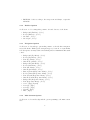
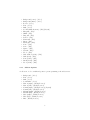
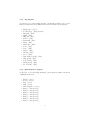
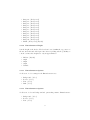
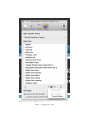
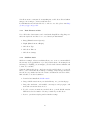
Some areas of the RapidWaver application worth reading up on are:
•
•
•
•
•
•
The Page Inspector
Nested navigation
Adding a logo
Setting a Title and Slogan
Enabling breadcrumbs
Color selection
For more on these topics, visit the RapidWeaver manual pages.
1.3
Getting Help
If you run into any trouble, community support is just a click away at http:
//seydesign.com/group.
2
The Basics
2.1
Installation
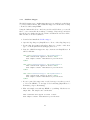
To install a RapidWeaver Theme you must first have the RapidWeaver application
installed on your Mac operating system. RapidWeaver is available on the Mac
App Store. Once RapidWeaver is installed, simply double-click on the “seydesign
tre3rty.rwtheme” file and RapidWeaver will install the theme for you.
Now that you have installed your theme, you are ready to put it to good use.
Whether you are just getting started with your latest RapidWeaver project or
are looking for a new design for an existing project, selecting a new theme is
easy:
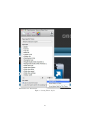
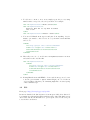
1. Simply open the RapidWeaver Theme Drawer (View > Show Themes),
2. start typing the theme name in the search box,
3. and select the theme icon when it appears.
2.2
Options
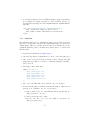
tre3rty has a lot of features built-in, so take the time to look around the Styles
menu (View > Show Page Inspector > Styles) to familiarize yourself with them.
Try selecting various options and see what effect it has in preview mode. Some
4