1
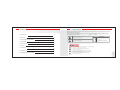
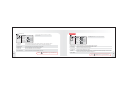
PC (ANALOG)
SETUP(SETUP)
▶ ENGLISH
LANGUAGE
※ With VOL ▶, go to SUB MENU. After adjusting in SUB MENU,
press MENU to exit.
PICTURE
OSD TIME
10
BRIGHTNESS
TRANSLUCENT
14
CONTRAST
OSD H POS.
H POSITION
OSD V POS.
V POSITION
FACTORY RESET
PHASE
OFF
PIXEL FREQ.
※ With VOL ▶, go to SUB MENU. After adjusting in SUB MENU,
press MENU to exit.
50
14
100
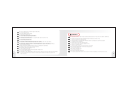
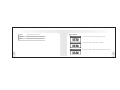
① LANGUAGE
Change language English, French , German , Spanish , Italian, Japanese, Korean.
② OSD TIME
The number of seconds that the OSD will remain visible before disappearing.
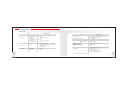
① BRIGHTNESS
Adjust the brightness of video without affecting RGB s brightness.
③ TRANSLUCENT
Change the opaqueness of the background of the OSD.
② CONTRAST
Adjust the contrast of video without affecting RGB s contrast.
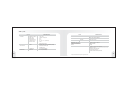
④ OSD H POS.
Move the OSD Window to the horizontal direction.
③ H POSITION
Adjust the horizontal position of the image.
⑤ OSD V POS.
Move the OSD Window to the vertical direction.
④ V POSITION
Adjust the vertical position of the image.
⑥ FACTORY RESET
A factory default reset will clear all of OSD information.
⑤ PHASE
Remove the noises. When phase value is wrong, the image has vertical lines especially in 1 dot on and off.
⑥ PIXEL FREQ.
Adjust the sampling frequency of DSUB analog signal.
※Press
16
75
MENU
MENU button to go to the Main menu.
※Press
MENU
MENU button to go to the Main menu.
17