1
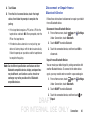
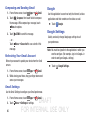
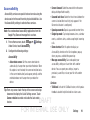
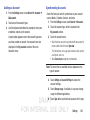
Removing an Account
Important! Removing an account also deletes all of its
messages, contacts, and other data from the
device.
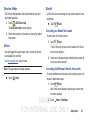
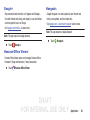
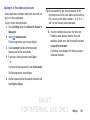
Google
Configure options for Google accounts and privacy settings.
Note: To display these options, you must have a Google
account set up on your phone.
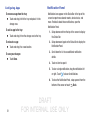
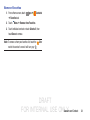
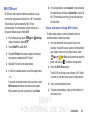
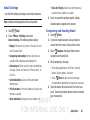
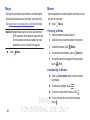
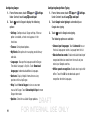
1. From the Settings screen, touch General ➔ Accounts.
1. From the Settings screen, touch General ➔ Accounts.
2. Touch the account type, which is located in the
My accounts section.
2. Touch Google.
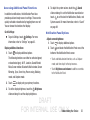
3. Touch the account name.
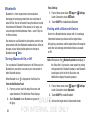
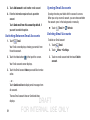
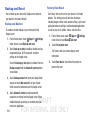
4. At the top of the screen, touch Remove account, then
touch Remove account at the prompt to remove the
account and delete all its messages, contacts, and
other data.
103
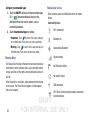
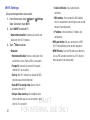
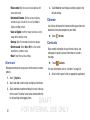
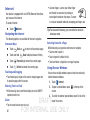
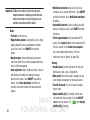
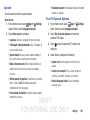
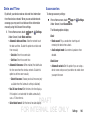
Configure the following options:
• ACCOUNTS: View Google accounts set up on your device.
Touch a Google account to configure syncing or to remove the
account.
• PRIVACY: Configure Search, Location settings, Google+, and
Ads.
DRAFT
FOR INTERNAL USE ONLY