1
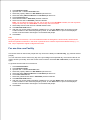
9.
10. Unlock the eRL Lock Device using Access Code
11. Create Personalized Code
12. Unlock the eRL Lock Device using Personalized Code
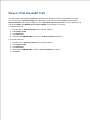
13. Download the Audit Trail from eRL Lock Device and View/Print the Audit Trail
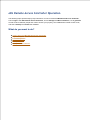
This Help file is divided into following sections to help you quickly find the information you need:
eRL Remote Access Controller Operation – Learn to use the eRL Remote Access Controller:
1. Getting Started with eRL Remote Access Controller – Learn about System requirement, software
installation, Getting help, and Uninstall the software.
2. Login Management – Learn to Login, Logout, and Change the login password of eRL Remote
Access Controller.
3. Lock Management – Learn to Add, Delete, Edit, Print, and Display eRL Lock Device/Group
information.
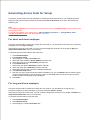
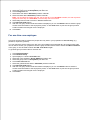
4. Code Generation – Learn to generate different Access Codes for guest, personnel, public facility, and
group.
5. History Code – Learn to track each issued Access Code.
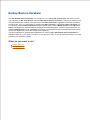
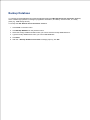
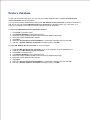
6. Backup/Restore Database – Learn to backup the database from your computer, and restore the
backup database when needed.
eRL Lock Device Operation – Learn to operate the eRL Lock Device.
1. Getting Started with eRL Lock Device – Learn to install/replace the batteries, and reset the eRL Lock
Device.
2. Changing Master Code – Learn to change the private/group Master Code for the eRL Lock Device.
3. Changing eRL Lock Device date/time – Learn to change the date/time for the eRL Lock Device.
4. Disabling Access Code – Learn to disable an issued valid Access Code by private Master Code or
different Access Code.
5. Unlocking eRL Lock Device – Learn to unlock the eRL Lock Device using the 10-digit Access Code, 36 digit Personalized Code, or private Master Code.
6. Initializing eRL Lock Device memory – Learn to initialize the eRL Lock Device memory which is used
to store Personalized Codes and disabled Access Code.
7. Download the Audit Trail from eRL Lock Device – Learn to download the Audit Trail from the eRL Lock
Device.