1
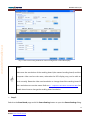
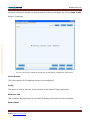
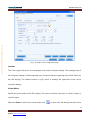
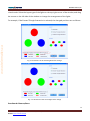
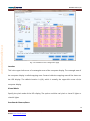
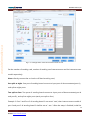
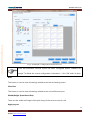
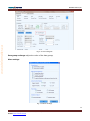
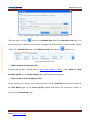
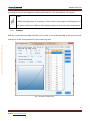
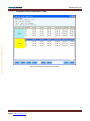
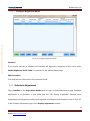
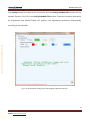
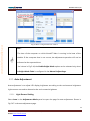
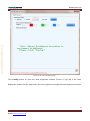
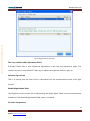
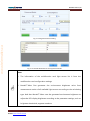
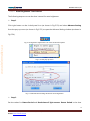
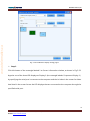
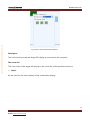
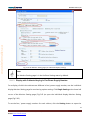
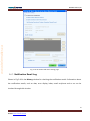
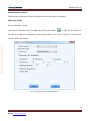
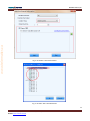
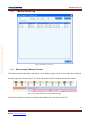
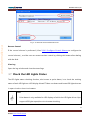
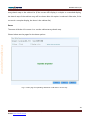
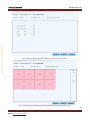
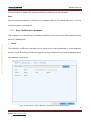
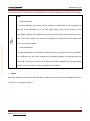
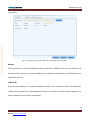
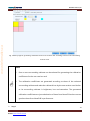
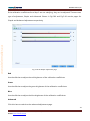
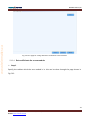
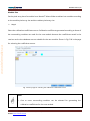
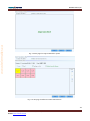
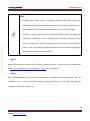
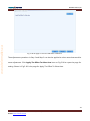
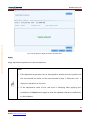
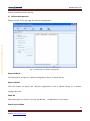
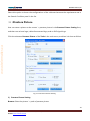
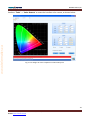
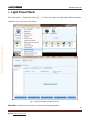
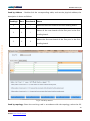
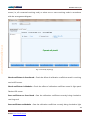
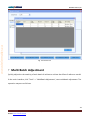
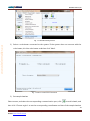
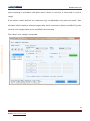
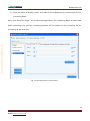
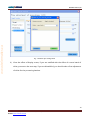
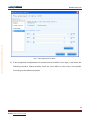
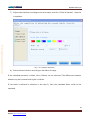
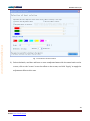
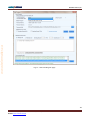
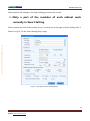
NovaStar Tech Co.,Ltd Click this button to save the calibration coefficients of the selected display area to the specified database. If the database for saving the coefficients is a cabinet database, a dialog will appear for users to input the cabinet ID. 5.8.2.3 Set coefficients for a new scan board Step 1 Specify the LED display area that the new receiver card (scan board) works for. Shown in Fig.5-86 www.telematics.ca is the page for specifying the area. Fig. 5-86 the page for specifying the working area of the new receiver card Step 2 Select the calibration coefficient source. The coefficients could be from a database (the Database option) or generated according to those of the surrounding receiver cards (the Refer to Surrounding Scan Board option). Fig.5-87 and Fig.5-88 show the pages for two option 109 Phone: NovaStar (Xi’an) 86-29-84507048NovaStar (Shenzhen) 86-755-33592492 Website: www.novastar-led.com

























































![English-T series-NOVA-User manual-F [兼容模式]](http://vs1.manualzilla.com/store/data/005791006_1-acba31ea472695c25db426bea2198a0f-150x150.png)