1
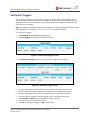
Protecting & Monitoring Your Wireless Network
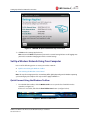
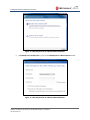
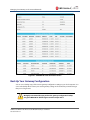
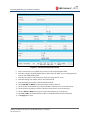
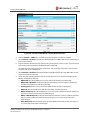
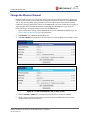
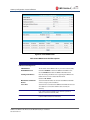
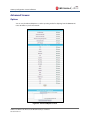
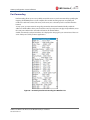
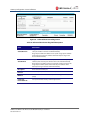
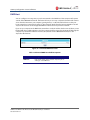
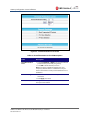
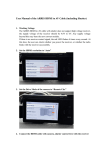
Figure 39 – Firewall Remote Log Screen
2. Select all desired event types that you want to monitor. This will activate the SysLog monitoring
feature.
3. Enter the last digits from 10 to 254 of the SysLog server’s IP address.
Note: Normally, the IP address of this SysLog server is hard-coded so that the address always agrees with
the entry on this page.
4. Click Apply.
SURFboard® SBG6700-AC Wireless Cable Modem Gateway • User Guide
365-095-25781 x.1
40