1
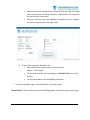
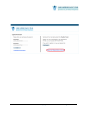
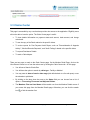
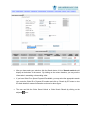
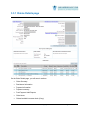
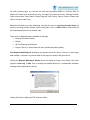
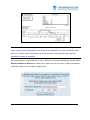
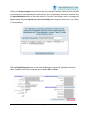
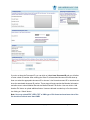
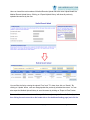
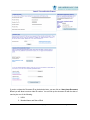
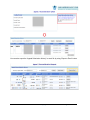
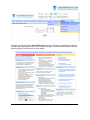
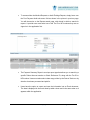
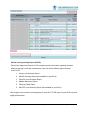
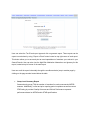
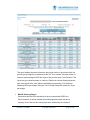
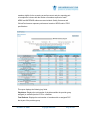
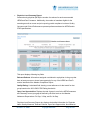
3.3 Claims Center This page is accessible by any user that has provider role access to the application. Eligibility users will not be able to have the option. The Claim Center page is useful: To view detailed information on payment status and amount, claim amount, and charge code detail. To see the copy of the Remit related to the specific claims. To review reports for Post Payment Audit Report, such as "Reconsideration & Appeals Activity", "Medical Records Requests", and "Audit Findings" related to the specific claims. To request Remittance Details. To send a Claim dispute. There are two ways to reach to the Claim Center page: On the Member Detail Page, click on the View Recent Claims icon or from the main menu by clicking the Claim Center tab. On this page: You will see a Search Criteria Box. You will have the option to search by claim type - Facility or Medical. You may enter in dates of service date range (this defaults back to a 6 month span) or use the calendar to pick dates. By clicking on the drop down box next to the Status field you can choose from a list of options -- Processing, Processed and Adjusted Claims. The Members First and Last Name will be carried over from the Member Details screen if you access this page from the Member Details page. Otherwise, you can click the search icon to find the member first. Provider User Guide Copyright 2015-2015 Page 12 of 53