1
You can import to SignBlazer one of two ways:
Using the Clipboard
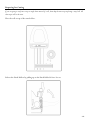
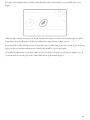
You can import from the clipboard by first copying or cutting an image opened from another software
program, and then placing it into SignBlazer by selecting Clipboard Paste from the Edit drop down menu.
Images imported via Clipboard Paste may not retain the same dimensions that they held in another software
program.
Using the Import Function
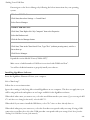
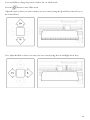
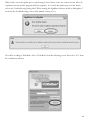
You can import an image that has been saved from another program by first selecting Import from
the File drop down menu:
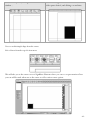
Then navigate to the saved file by using the Folder and Drives menus:
- 29 -