1
11
AGC (automatic gain control) setting
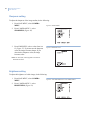
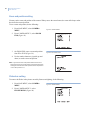
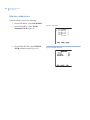
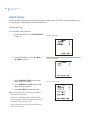
To set the AGC manually, do the following:
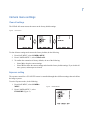
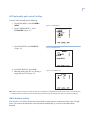
1. From MAIN MENU, select CAMERA
MENU.
Figure 11. CAMERA MENU 1
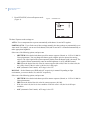
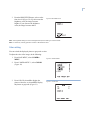
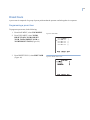
2. From CAMERA MENU 1, select
EXPOSURE (Figure 11).
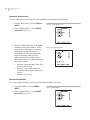
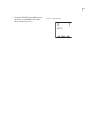
3. From EXPOSURE, select MANUAL
(Figure 12).
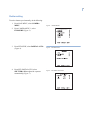
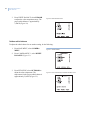
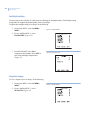
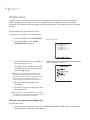
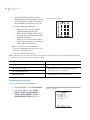
4. From EXP MANUAL, select AGC.
5. Manually change the AGC by entering a
range from 0 to 255 (Figure 13).
Figure 12. EXPOSURE menu
Figure 13. EXP MANUAL menu
Note: When using auto exposure modes, the AGC and Iris settings are changed automatically by the camera. The last AGC and
Iris settings that were used in Auto will be the starting points when the user changes the manual or partial auto settings.
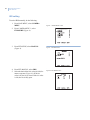
White balance setting
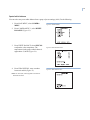
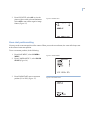
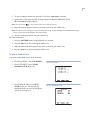
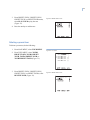
You can select 1 of 5 modes for how the camera shifts its output colors to compensate for the color of a light
source. The camera can monitor the color temperature automatically, or you can set the white balance
manually.