1
Macintosh
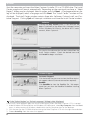
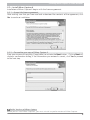
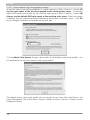
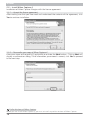
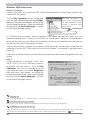
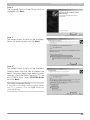
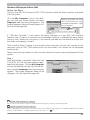
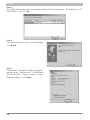
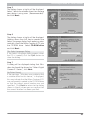
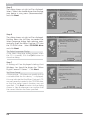
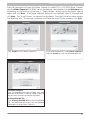
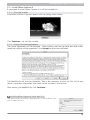
Clicking Color space details displays a description of the different color-space profiles. Use
this explanation to help you choose a color-space profile.
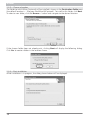
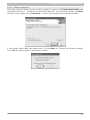
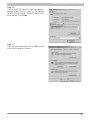
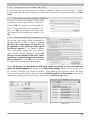
The default output color-space profile can be changed at any time after installation in the
Color Management tab of the Nikon Capture 4 Editor or Nikon Capture 4 Camera Control
Preferences dialog.
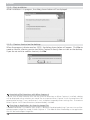
2.1.9 — Complete installation of Nikon Capture 4
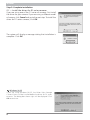
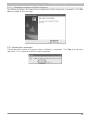
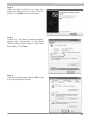
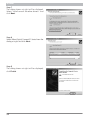
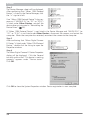
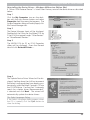
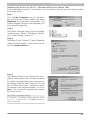
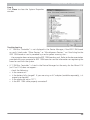
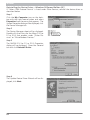
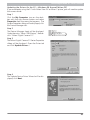
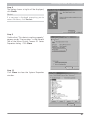
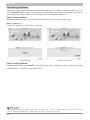
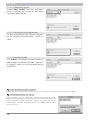
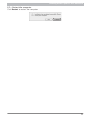
The following dialog is displayed when installation of Nikon Capture 4 is complete. Click
Quit to proceed to the next step.
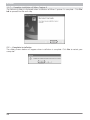
Add to Dock (Mac OS X)
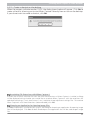
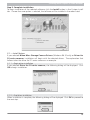
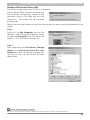
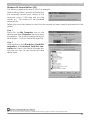
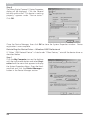
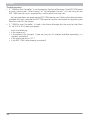
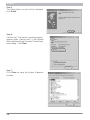
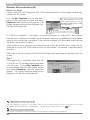
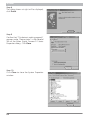
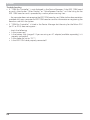
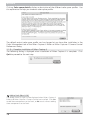
The dialog shown at right will be displayed when Nikon Capture 4
Editor and Nikon Capture 4 Camera Control are installed. Click Yes
to add these components to the Dock, or No to exit without adding
these components to the Dock.
76