1
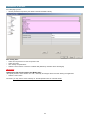
How to define directly a stream (without accessing the Properties Editor)
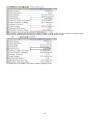
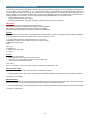
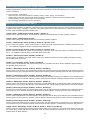
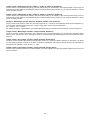
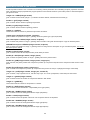
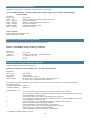
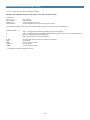
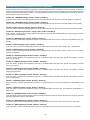
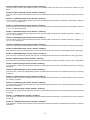
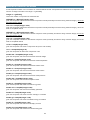
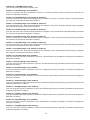
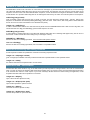
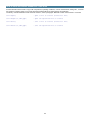
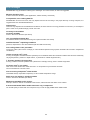
Prode Properties includes methods to access (read and write) each different value in a stream, making it possible for the user
to create procedure to define / edit / update directly each value without going through the Properties editor
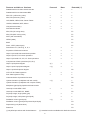
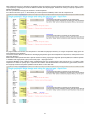
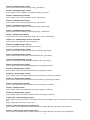
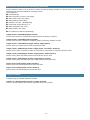
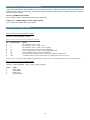
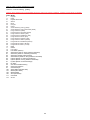
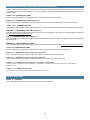
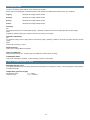
Following list presents the methods for accessing all items
•
•
•
•
•
•
•
•
•
operating pressure,
operating temperature,
flow,
vector [getMCNr() elements] with components codes
vector [getMCNr() elements] Z vector, mole basis
thermodynamic model (and related options)
vector[getMBPNr() elements] of Ci
vector[getMBPNr() elements] of Cj
vector[getMBPNr() elements] of BIP matrix
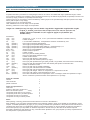
read the value
getP()
getT()
getW()
getCC()
getZ()
getMP()
getCi()
getCj()
getBIP()
set the value
setOp()
setOp()
setW()
putCC()
putZ()
setMP()
putCi()
putCj()
putBIP()
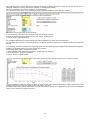
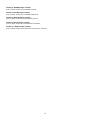
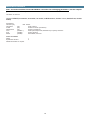
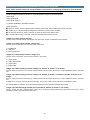
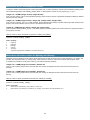
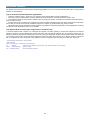
When defining a stream one must follow these steps.
•
•
•
call initS() method to clear all stream’s data
definedata
call setS() method to validate the data
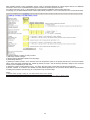
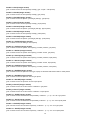
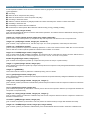
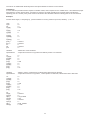
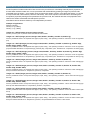
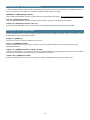
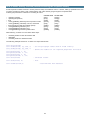
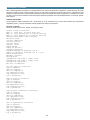
The following example shows how to define a 2 components stream
Call initS(Stream)
Call setMP(Stream, Fg, SRK, 0)
Call setMP(Stream, Fg, SRK, 1)
...........................
Call putZ(Stream, 1, z1)
Call putCC(Stream, 1, cc1)
Call putZ(Stream, 2, z2)
Call putCC(Stream, 2, cc2)
Call setS(Stream)
‘ validates stream
Call setW(Stream, W)
‘ flow
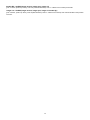
Call loadSB(Stream,0)
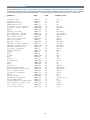
‘ see the paragraph “Codes used in Prode library”
‘ define the models for all required properties and states
‘ load VLE BIPS from database
94