1
Interface
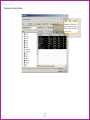
Time and Sales Window
by Foxit PDF Editor
Indian Edited
Commodity
Exchange Trader User Manual
Copyright (c) by Foxit Software Company, 2004
For Evaluation Only.
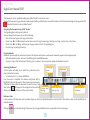
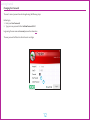
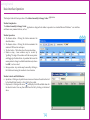
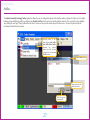
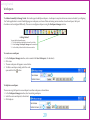
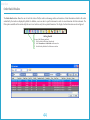
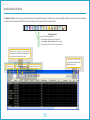
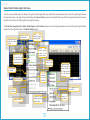
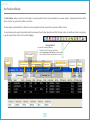
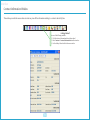
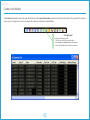
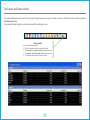
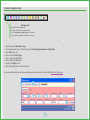
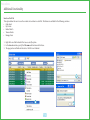
The Time and Sales window allows the user to view all trades that took place in the exchange for any selected instrument, irrespective of which trader
initiated them.
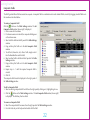
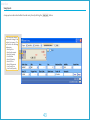
Getting Started
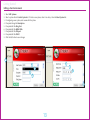
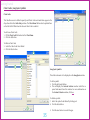
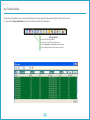
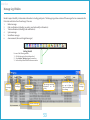
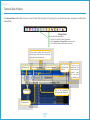
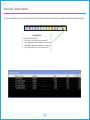
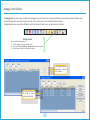
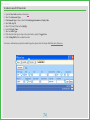
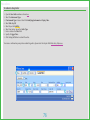
Use one of the following methods:
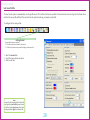
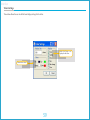
1. Click the Time and Sales Button (shown here)
2. Select Transactions > Time and Sales on the menu bar
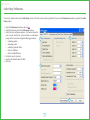
3. UsethehotkeydefinedinthePreferenceswindow
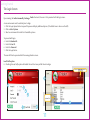
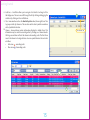
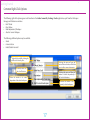
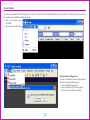
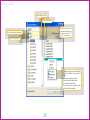
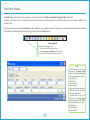
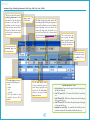
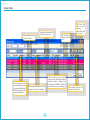
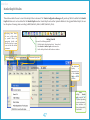
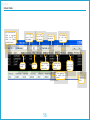
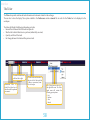
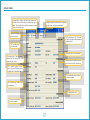
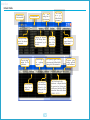
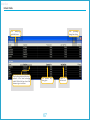
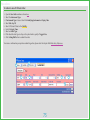
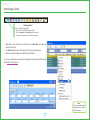
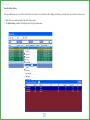
Filters orders by symbol. Select the required
details and press the Enter key to open a new
tab for the selected instrument.
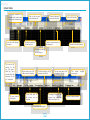
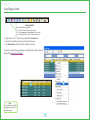
Instrument type
Underlying Instrument
Instrument Expiry Date
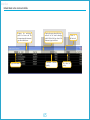
The Price tick
established after
the trade
Time of the transaction
including seconds (hh:mm:ss)
Traded price
The order quantity
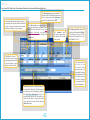
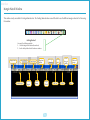
57
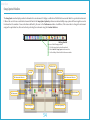
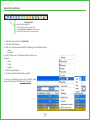
Underlying
instrument for
futures and the
symbol
name
for any other
instrument type