1
6.3 Text
Text is the final touch to give the model a real localization in its
environment.
You can add your preferred text font on the model and then modify its
dimension, ratio, rotation, colour and transparency. Command keys are still
the same as seen before and they are all implemented.
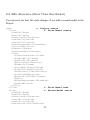
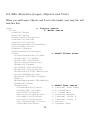
There are many different text fonts available: one standard Arial, two sci-fi
styles and 4 graffiti styles. Graffiti fonts include a blurring effect, just as it
happens with a spry technique.
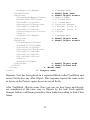
Note: when applying text, it is recommended to rotate and scale up the
model so to see the side in a right orientation, with a magnified part to be
written. After completing the text you can restore the standard scale and
orientation.
21